


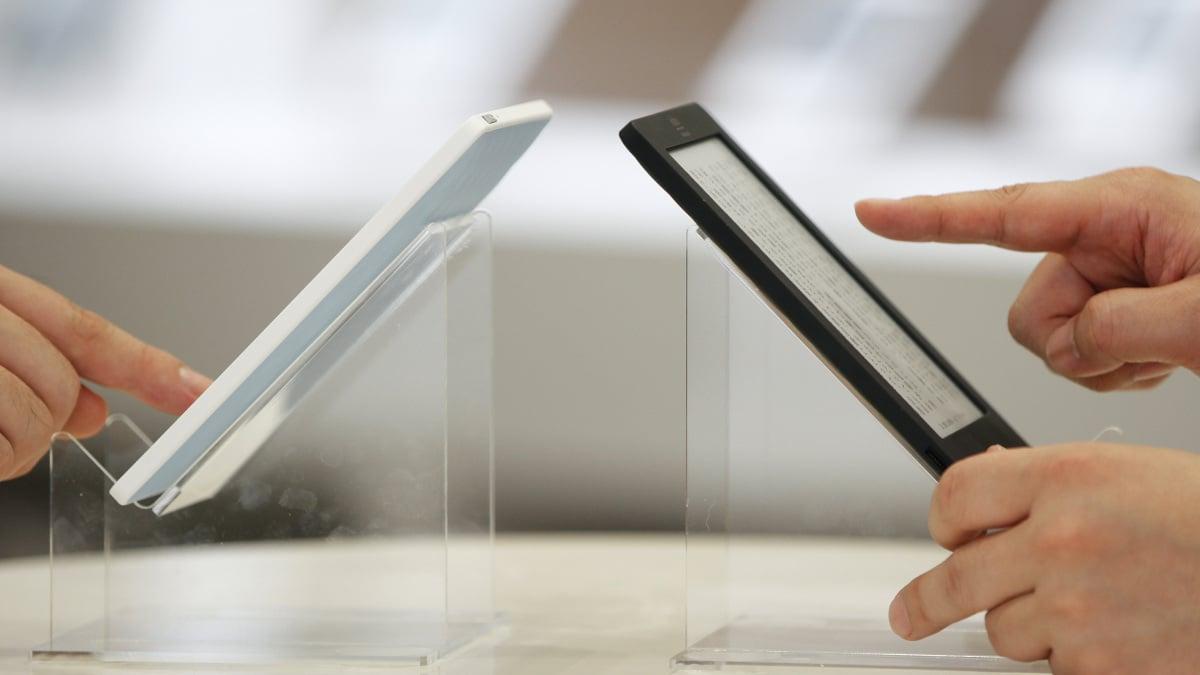
When Pocket shut down earlier this year, it hurt more than just folks who wanted to save articles easier. Kobo users could no longer read articles directly from the internet on their eReader — a devastating move for so many readers like myself.
Kobo recently announced it would replace Pocket with Instapaper, a minimalist and sleek service much like Pocket that offers both a free plan as well as a paid premium subscription option, saving us from having to read articles the second we see them. And, on Thursday, that update came to users.
"At Kobo, our passion is better reading for everyone, everywhere. And now, with the addition of Instapaper's excellent 'read it later' functionality, we have a perfect solution to the long-form reading you find on the web," Michael Tamblyn, the CEO of Rakuten Kobo said in a press release on Thursday. "When Pocket unexpectedly sunset, we knew we had to find a new way for our readers to dive into their favourite web articles right on their Kobo. Partnering with Instapaper has been a dream, the team has been great to work with, and we're thrilled to offer this integration so readers can keep enjoying their preferred long-form content, distraction-free, on their Kobo eReader."
Mashable Light Speed
Here's how to download articles directly from the internet onto your Kobo with Instapaper.
What You Need
- Kobo
- Instapaper account
Step 1: Navigate to "My Articles"
Click the hamburger menu titled "More" in the bottom right of your Kobo and click "My Articles."
Step 2: Link with Instapaper
Once you click "My Articles," you'll be met with a page that reads: "read articles on your eReader with Instapaper." "Find something you want to view later? Save it in Instapaper and enjoy it on your Kobo eReader, phone, tablet, and computer whenever you're ready — even offline." Click "Link with Instapaper" and follow the directions on your eReader, including using your phone to scan a QR code or entering a code at kobo.com/instapaper.
Step 3: Sync it up
After you link your Kobo with Instapaper, stay on a WiFi network to sync all your saved articles on Instapaper to your Kobo, and voila! Your articles are there and saved for you to read any time.
If there isn't an option for you to view your articles when you click "more," you'll need to update your Kobo. It shouldn't take too long, and when it starts back up it'll show you exactly what the update is there for: "Farewell to Pocket," and "Hello to Instapaper."
If you want to keep all your data from Pocket on your Instapaper, you can do that, too. Simply export your Pocket data and import it to Instapaper.
Now there's really no excuse to have that many tabs open.

 English
 Arabic
 French
 Spanish
 Portuguese
 Deutsch
 Turkish
 Dutch
Dutch
 Russian
 Romaian
 Portuguese (Brazil)
 Greek
Greek