


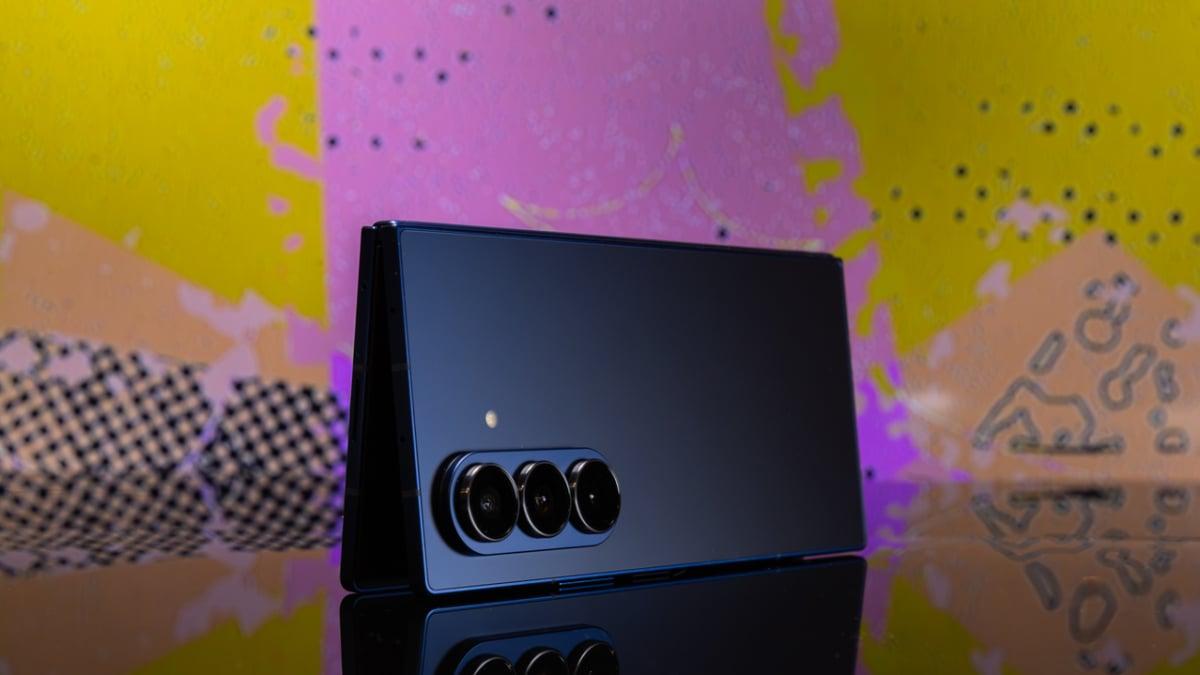


Samsung's latest tablet-style foldable phone is full of possibilities.
The Galaxy Z Fold 7 is finally here and I think it's the best foldable Samsung has produced yet. Samsung made this year's edition of its more expensive foldable the thinnest and lightest it's ever been, with two huge displays, and lots of versatility in what you can do with them.
Naturally, you may be wondering what sets this phone apart from something more conventional, like a Samsung Galaxy S25 Ultra or an iPhone 16. Allow me to explain. While some of these features have been available on foldables for some time and aren't new this year, they still showcase what a Z Fold can do for you that most other devices can't.
3 things you can do with a Z Fold 7 that you can't do with an ordinary phone
Of course, there are more than three unique things you can do with a Z Fold 7, but these three in particular are worth highlighting.
Read books and watch videos much more comfortably
The biggest Z Fold 7 selling point for me, if I were a person with $2,000 to drop on a new phone, would be the immense amount of screen real-estate on the 8-inch unfolded inner display. Unfolding this phone turns it into a miniature tablet, which winds up being more comfortable to hold than just about any regular tablet I've ever used. It's almost exactly the right size, and thanks to the new lighter weight of the Z Fold 7, it's not laborious to hold at all.
Mashable Light Speed
Obviously, this comes with some big advantages. Personally, for me, I find it immensely useful for watching YouTube videos and anything else that's similar on the go. The display is just so much bigger than my iPhone 16 that it's not even really worth comparing the two. I love sitting in bed and watching stuff on the Fold 7. While I'm admittedly not as literary as I should be, it's also great for reading books, as you can imagine. I've also heard the same for reading digital comic books, but that's pretty far afield of my interests, so I can't confirm that.
Go hands-free
Samsung's foldables have featured something called "Flex Mode" for years, which is what happens when you bend the foldable display between 75 and 115 degrees, causing whichever apps you're using to adapt to that angle. The end result is that you can use or look at the phone in a hands-free way while it sits on a flat surface in front of you.
The use cases for this are numerous and readily apparent. If you want to sit back and watch a video, you can do so using just the top half of the inner display. If you want to take a hands-free photo and you have a flat surface at the ready, just go for it, player. You definitely can't do this with a regular phone.
Go split-screen
Last but certainly not least is a feature that's also been part of the Galaxy Fold family for years: Split-screen view for multitasking.
It's as simple as it sounds, as you just open two apps at once and watch as they occupy the unfolded inner display at the same time. The increased screen real estate of a tablet-style foldable opens up tons of usability opportunities related to split-screen view. Dragging and dropping files between apps is eminently useful, for example, and one new feature of the Z Fold 7 in particular is the ability to generate AI creations in one app and drag and drop them to another in split-screen view.
Like I said, there are more things you can do with these phones, but these are the three most immediate benefits you get from purchasing a Z Fold 7 over something more conventional.


 English
 Arabic
 French
 Portuguese
 Deutsch
 Turkish
 Dutch
Dutch
 Italiano
 Russian
 Romaian
 Portuguese (Brazil)
 Greek
Greek