


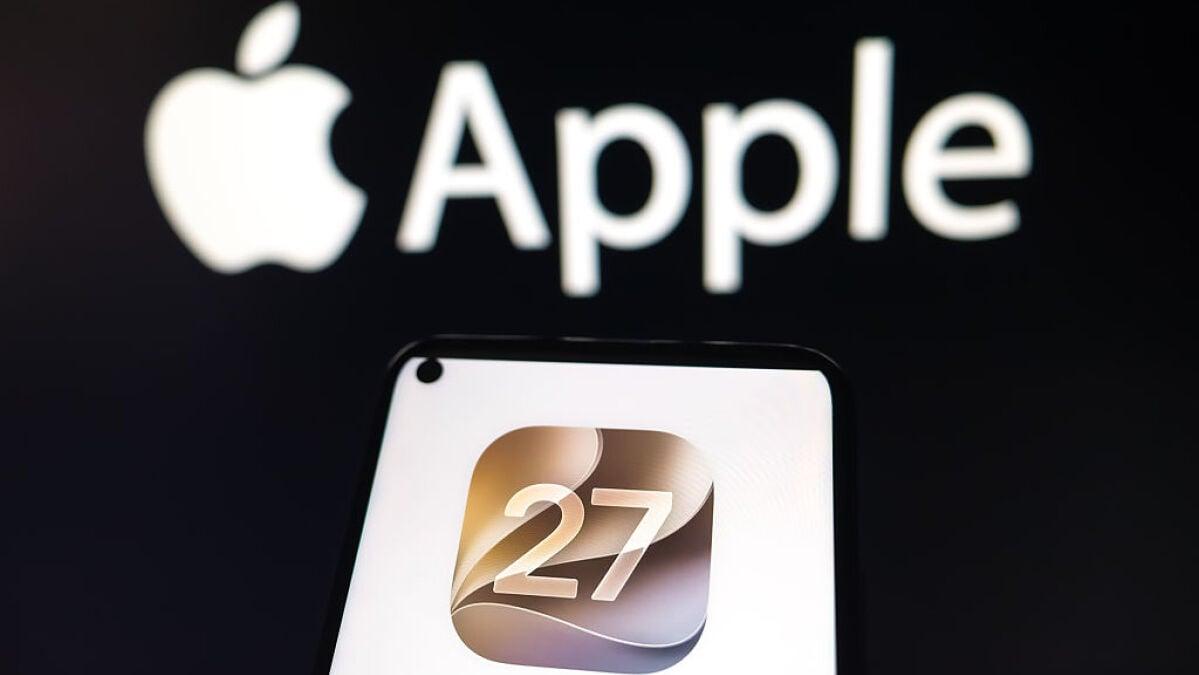
The new betas bring new features to your Apple devices.
By

Alex Perry is a tech reporter at Mashable who primarily covers video games and consumer tech. Alex has spent most of the last decade reviewing games, smartphones, headphones, and laptops, and he doesn’t plan on stopping anytime soon. He is also a Pisces, a cat lover, and a Kansas City sports fan. Alex can be found on Bluesky at yelix.bsky.social.
on

It's here, sort of. Credit: Nikolas Kokovlis/NurPhoto via Getty Images
Apple just rolled out a bunch of public betas for the next big iOS, macOS, watchOS, and iPadOS software upgrades, and you can try them now.
As expected, after several weeks of developer beta access, Apple has released the public beta for iOS 27, as well as the corresponding updates for Apple Watches, iPads, and Mac computers. While the full, official release of these updates is expected in September, public beta access means anyone with an Apple account and a compatible device can download the update and try it early.
So, starting today, you can go ahead and install:
iOS 27
macOS 27 Golden Gate
iPadOS 27
watchOS 27
tvOS 27
visionOS 27
Here's how to do exactly that.
Thanks to Apple's unified product ecosystem, you can follow similar steps to install all beta operating system updates on any device. In other words, with the exception of your Apple Watch (which I'll address in a moment), the process is generally the same across devices.
First, you'll need to sign up for a beta account using your Apple ID on Apple's beta website. This is completely free and carries no risk in and of itself, so feel free to go to town on it. Make sure your account is verified for beta access and enroll any devices you want to experiment with.
Mashable Light Speed
Second, make sure you create a device backup. This can come in handy if there's something wrong with the beta and you want to go back to a previous software version.
With a beta account created and a backup in hand, here are the final steps:
Open the Settings app
Go to General
Go to Software Updates
Go to Beta Updates, then select the public beta you wish to install
With the public betas for iOS, macOS, watchOS, and iPadOS 27 out, you should see them in the Beta Updates section of the Software Updates menu.
Request access to Siri AI and join the waitlist

Siri AI in action on an iPad device. Credit: Apple
There's one big catch here, though: If you want to experiment with the new Siri AI, you'll have to request access to this beta as well. In addition, you'll need an iPhone 15 Pro phone or newer (or an iPhone Air). Even a base iPhone 15 won't cut it. Mac devices need an M3 chip or newer, and iPads require an M1 chip or newer to run Siri Ai.
To request access to the Siri AI beta, follow these steps:
Update your device to iOS 27, macOS 27 Golden Gate, visionOS 27, etc.
Open the Settings app
Go to Apple Intelligence & Siri
Select Try New Siri and Join Waitlist
How to install watchOS 27
As for watchOS 27, the process is similar, but you can't actually do it on an Apple Watch device.
Follow these steps to set up and install watch OS 27 on your Apple smartwatch:
Install the iOS 27 public beta on the iPhone associated with your Apple Watch
On the iPhone, go to the Watch app
Tap My Watch, then General, then Software Update, then Beta updates, just like you did with the iPhone
Make sure your Apple Watch has at least a 50 percent charge and keep your iPhone nearby during the installation process
As always, be very careful when downloading beta software. It should be fine, but unexpected things can happen with unfinished software.

Alex Perry is a tech reporter at Mashable who primarily covers video games and consumer tech. Alex has spent most of the last decade reviewing games, smartphones, headphones, and laptops, and he doesn’t plan on stopping anytime soon. He is also a Pisces, a cat lover, and a Kansas City sports fan. Alex can be found on Bluesky at yelix.bsky.social.


 English
 Arabic
 French
 Spanish
 Portuguese
 Deutsch
 Turkish
 Dutch
Dutch
 Italiano
 Russian
 Romaian
 Greek
Greek