


Battle Piece codes (June 2026)
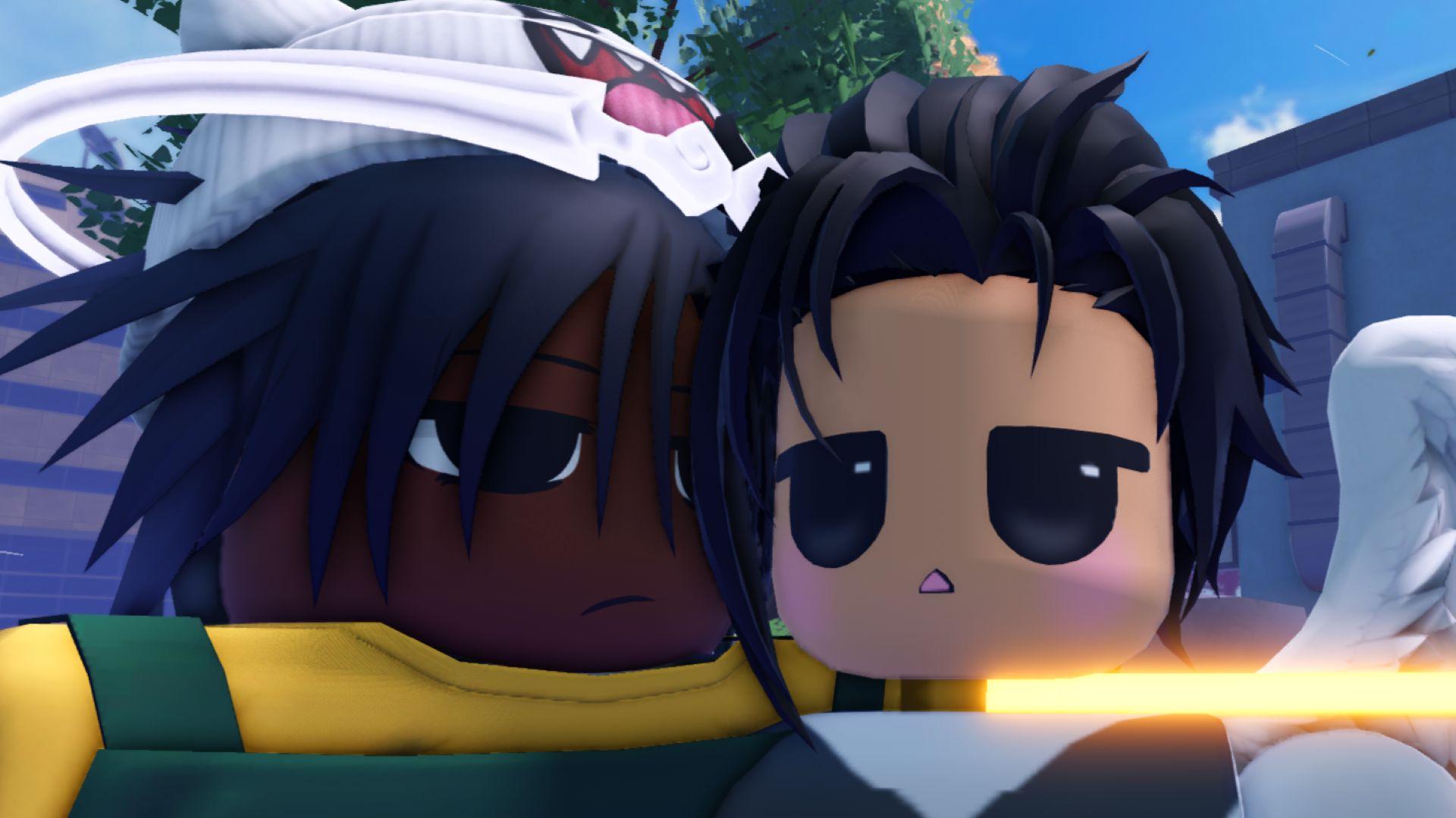
Battle Piece codes (June 2026)
Thanks to the inclusion of that one little word that tells you all you need to know about a particular Roblox experience, we know Battle Piece codes are what you want. Trait gems and race orbs are hard to come by. Sit on these codes, though, and you'll have them when you need them.
With a snazzy-looking user interface and some serious setpieces, Battle Piece is one of the better-looking Roblox bandit beaters out there right now. Hit it lucky with the race and trait rerolls, and you'll be one of the most impressive R6-style avatars running about the place, too.
Here are the new Battle Piece codes:
- 100KVisitsWow - five trait gems
- SORRYFORDAILYREWARDBUG - three race orbs
- 5KLikesLEZZGO - five race orbs
- 1KLikes - five race orbs
- 2KTHUMBSUP - five trait gems
- 3KLIKESSSSS - five trait gems
- HW_SpecialCode - 2x EXP boost for 15 minutes
- JixxyJax - 2x EXP boost for 15 minutes
- Release - 2x EXP for 15 minutes
- Alpha - 2x EXP for ten minutes
Once these EXP boosters run dry, consider clicking here to follow us on Google. You won't find more codes for this game there (they're right here) but you will find codes for other popular Roblox games.
How do I redeem Battle Piece codes?

Follow these steps, and you won't even need to enter the open world to claim Battle Piece codes:
- Launch Battle Piece on Roblox.
- Close the game.
- Like the game (thumbs up) and join the group by clicking the developer name.
- Launch Battle Piece again.
- Click the arrow on either side of the screen once.
- Click the 'menu' button in the bottom-left area
- Click the 'Shop' button on the menu that appears.
- Scroll to the bottom.
- Enter a code in the blue banner.
- Press Enter on your keyboard.
Why can't I see the menu button on the reroll screen in Battle Piece?
Whether it's a bug or coding oversight isn't clear, but there's a good chance you won't see the menu button on Battle Piece's reroll screen. Without it, you'll struggle to redeem codes without entering the game world.
If that's the case, there's a surprisingly simple fix. While on the reroll screen, look for the 'daily' button in the top-left corner. Click it to open the daily rewards screen - claiming the rewards if you can - and close it again. After that, the menu button should appear in the bottom-left corner of the screen.
How do I get more Battle Piece codes?
Unlike a few other Roblox games recently, you won't see new Battle Piece codes sitting pretty on the game page. Instead, you'll need to follow the link at the bottom of the game page to join the Battle Piece Discord, where you'll find stacks of codes in their own dedicated channel.
If you don't see the link, ensure your Roblox account is age-verified appropriately. If your account age matches the Discord age limit in your area, you'll see the link. If not, you won't. In that case, just come back here whenever you need a freebie. Chances are, we'll have new codes listed above.
There you go - enough Battle Piece codes to get you a top-tier roll. Maybe.

 English
 Arabic
 French
 Spanish
 Portuguese
 Turkish
 Dutch
Dutch
 Italiano
 Russian
 Romaian
 Portuguese (Brazil)
 Greek
Greek