


Windows 11's new performance boosting Low Latency mode is now available, and here's what it does
Windows 11's new performance boosting Low Latency mode is now available, and here's what it does
Download the latest Windows 11 update today, and you'll be able to experience a free performance boost, thanks to a new Low Latency Profile feature. It's a modest boost, and it only applies to some Windows 11 apps and features, but free is free. Read on below to find out what the feature is, how to get it, and what it will speed up.
With Windows 11 now effectively a requirement to run the latest PC games, even the best gaming PC will benefit from this update, though you may not immediately notice the difference, depending on the power of your PC.
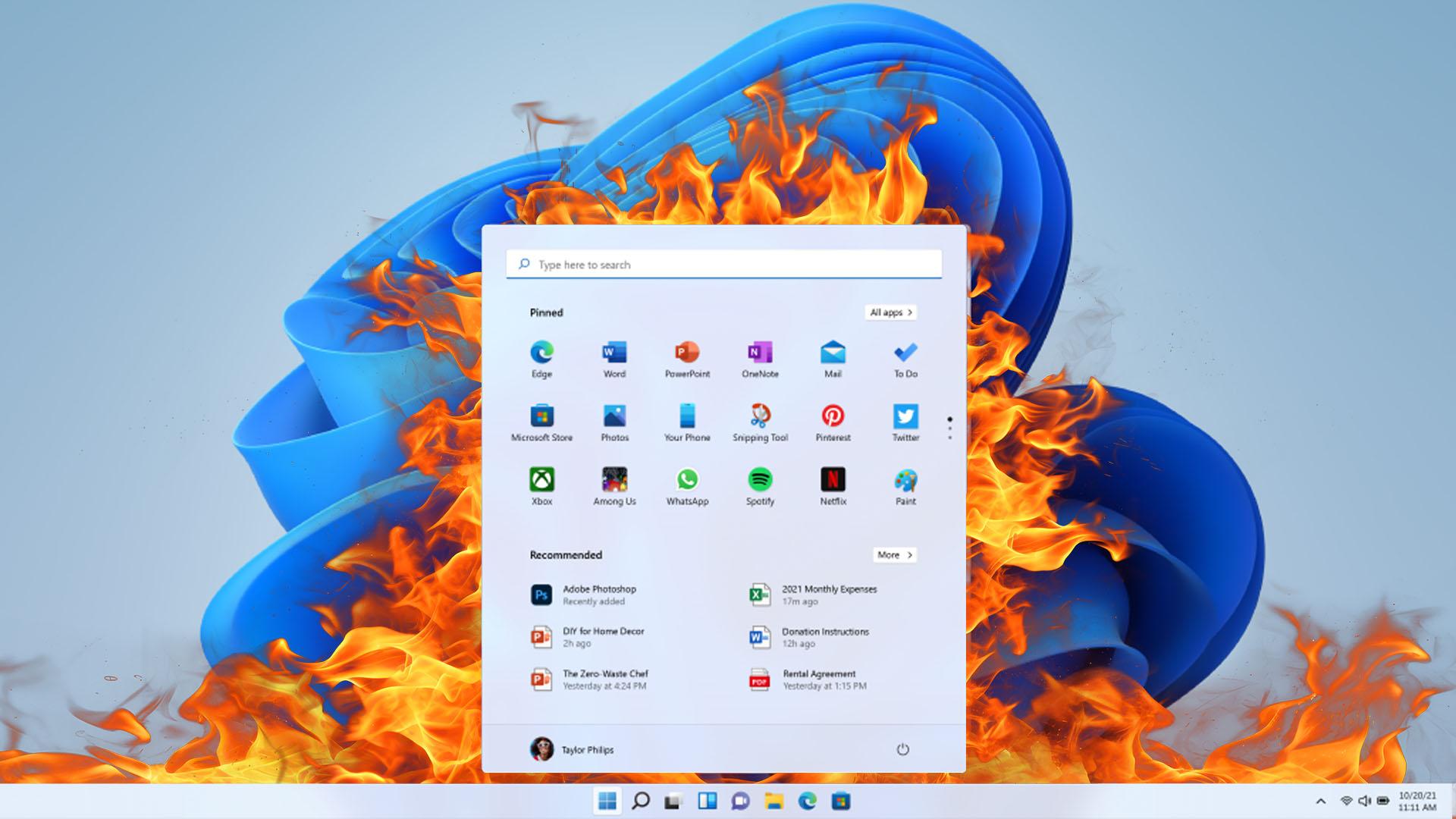
Low Latency Profile is a new feature built into Windows 11 that will provide a performance boost for apps that engage the Low Latency Profile mode. By invoking this profile, the app tells the operating system to immediately speed up your PC's CPU to its maximum speed for a second or two, providing a boost in the responsiveness of certain interactions.
Examples include opening the Start Menu and File Explorer, which should both feel that little bit snappier with this new mode. Right now, it is only Microsoft's own apps and Windows 11 features that can invoke the new mode, but there's potential for other apps to be able to access it in the future.
If you're sat there thinking, "Does Windows 11 Low Latency Profile reduce battery life or make my CPU run really hot?" well, both are fair questions. Microsoft has said that the short bursts of speed will have minimal impact on CPU temps and battery life. In fact, it's a technique that many other operating systems have been employing for a while, with Apple's devices having long had access to a similar system.
How to get Windows 11 Low Latency Profile
To try Windows 11 Low Latency Profile, all you have to do is download the latest Windows 11 update, which arrived yesterday and is numbered KB5094126 (OS Builds 26200.8655 and 26100.8655). You can find the build number of your PC by heading to Settings > System > About > Windows Info. If it doesn't show one of the above numbers (or higher), you'll need to download the new update.

Once updated, there's no fanfare. Windows 11 Low Latency Profile should just be working in the background, silently slightly speeding up some of the features of your system.
How to check Windows 11 Low Latency Profile is working
The main way to check that Windows 11 Low Latency Profile is working is to ensure you have the update listed above. If it's installed, the feature will be working. However, if you'd like to try and see the difference yourself, you can try performing a bit of a before-and-after test, as the changes are subtle.
A simple test is to download a screen capture app, such as OBS Studio, and record how your apps and your CPU clock speed respond when you perform certain tasks, such as opening the Start Menu. You can track the CPU clock speed change in Task Manager, but for an even quicker response, you can use hardware monitoring software like HWInfo.

Set up OBS to record your screen and have the Task Manager or HWInfo clock speed windows visible, then simply press the Windows key on your keyboard to activate the Start Menu or open File Explorer. In an installation prior to this latest one, you might see a minimal response from the CPU clock speed (though this can vary massively depending on your setup), but if you perform the same test again after the update, you may see your CPU's clock speed spike up more aggressively, and be able to record a noticeable difference in responsiveness.
I tried doing this back-to-back test on two systems and, to be honest, it wasn't very conclusive. Likewise, on my main gaming PC the difference after the update was basically imperceptible in general use. However, on my laptop, it was immediately obvious. As an older machine with an Intel Core i7-1075H CPU, it's not the sprightliest these days, but after this new update, the speed of File Explorer opening seemed noticeably improved.
Outside of these sorts of moments, the new Low Latency Profile isn't going to transform your gaming PC, with it not able to affect gaming performance, reduce video rendering times, or anything of that sort. However, for occasionally making your aging or slower machines a little more responsive, it's a welcome update.

 English
 Arabic
 French
 Portuguese
 Deutsch
 Turkish
 Dutch
Dutch
 Italiano
 Russian
 Romaian
 Portuguese (Brazil)
 Greek
Greek