


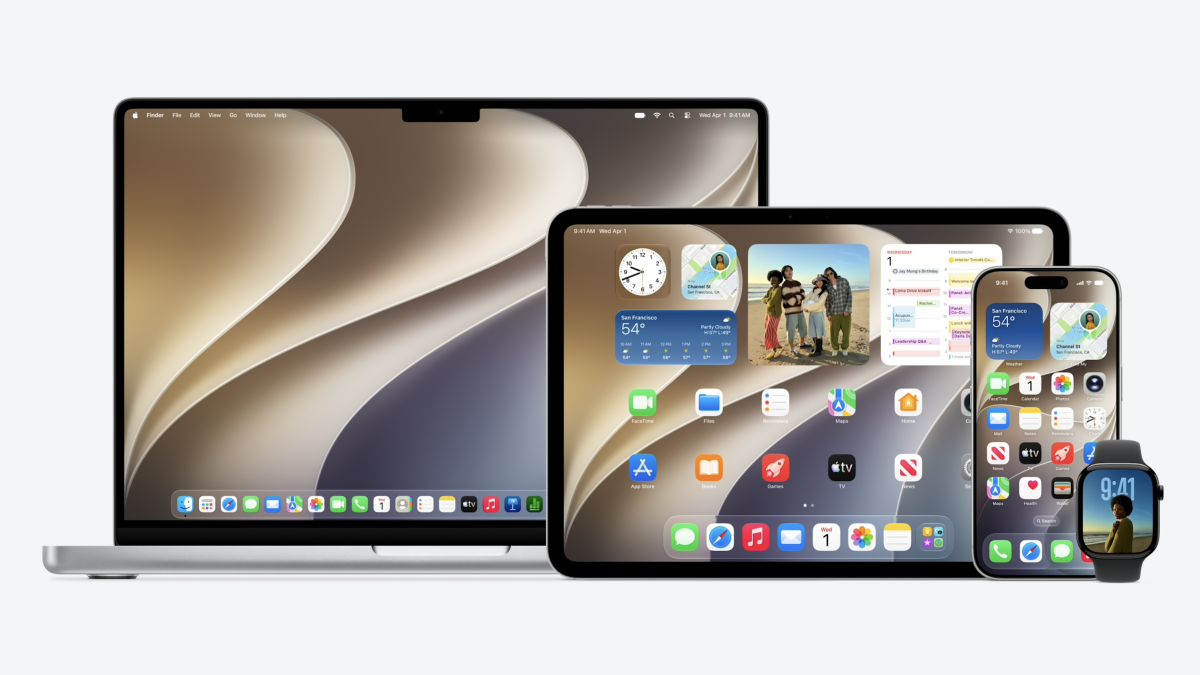
Shortly after the big WWDC keynote wrapped, Apple rolled out the first betas for its latest generation of operating systems.
If you want to try the new Siri AI, Spatial Reframing, or any of the other new features announced at WWDC 2026, then you'll need to download the developer beta versions of iOS 27, iPadOS 27, macOS 27 Golden Gate, watchOS 27, visionOS 27, and tvOS 27, available now.
Here's how to do it.
Step 1: Sign up for the Apple Developer Program
First, you'll need to be enrolled in the Apple Developer Program. If you're not already in it, don't worry. You can sign up right now.
Just go to the Apple Developer Program enrollment page or the Apple Developer app and sign in with your Apple ID. From there, you'll need to fill out some basic information, such as your name and contact info, and then accept the program agreement. Apple may direct you to a payment page, as this is the same process required for developers looking to sell apps in the App Store. However, if you're just looking to download the betas, no payment is required.
Now, you're ready to download the betas.
Mashable Light Speed
Step 2: Back up your device
Before doing that, though, make sure you back up your iPhone, iPad, or Mac. By definition, beta versions can have bugs and other issues that may require you to restore your device's backup
Step 3: Download the developer beta
To do this, simply go to the Settings app, followed by the General option, and then tap on Software Update.
Next, select the Beta Updates option on that screen, followed by "iOS 27 Developer Beta." Finally, you should see the latest developer beta version available to download. Tap on that and follow the prompts to download the beta. Once downloaded, the beta will install. This could take awhile, so be patient, and your device will reboot when it's finished.
Downloading the macOS 27 Golden Gate beta follows a similar process.
After backing up your Mac, head to System Settings. Then go to General, followed by Software Update. Next to the Beta Updates option, there's a small "i" icon. Click that, and a dropdown menu will appear. Select the "macOS Developer Golden Gate Beta" option and then "Done."
The macOS 27 Golden Gate beta will download and install.
The instructions are similar for the other operating systems, so go to the software update section of the Settings app to get started.
What if you don't want a developer account?
As of June 8, this is the only way to access the first iOS 27 beta, and the same goes for the rest of Apple's new OS-es. However, Apple will likely make a public beta available in late July ahead of a public release in the fall.

 Arabic
 French
 Spanish
 Portuguese
 Deutsch
 Turkish
 Dutch
Dutch
 Italiano
 Russian
 Romaian
 Portuguese (Brazil)
 Greek
Greek