


Steam trading just got a huge upgrade, thanks to Valve's new Community Market
Steam trading just got a huge upgrade, thanks to Valve's new Community Market
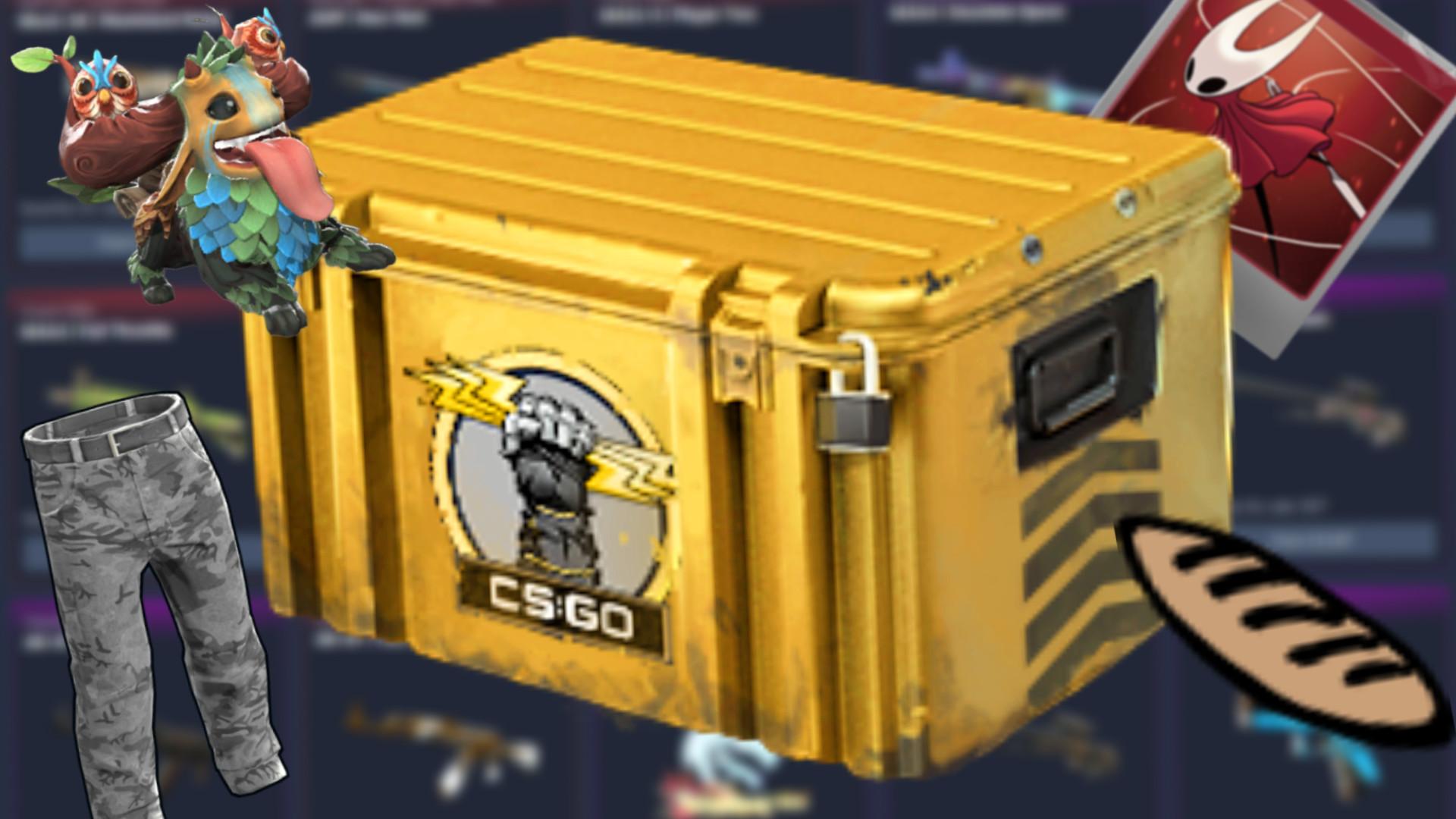
Head to the Steam Community Market today and you'll notice that it's quite different. Valve has just deployed a big overhaul to how it looks and feels, aiming to make buying and selling everything from CS2 skins to Rust gear and even trading cards a lot more polished. With Counter-Strike 2 acting as the basis for the overhaul, you'll notice the most immediate and significant upgrades if you're on the hunt for goodies there. There are over 13,000 games that can give you tradable items on Steam, however, so everyone should benefit from the change.
Valve explains that it based the new Steam update on its own chart-topping FPS game due to the high popularity of its items, but the developer says that it's looking forward to seeing other games taking advantage of the extra features. These start with the most obvious: listings are bigger and more detailed, with the ability to quickly flip through all the offers for a given thing and more easily compare them. In cases where there are similar item types (such as various wear levels on a CS2 cosmetic) they'll all be grouped into one page, divided by tabs.
There are even specific images generated for every individual item someone puts up for sale - Valve notes that it generated "over 27 million unique images to backfill existing Counter-Strike listings." When flicking through a list of a single item type, you can also view its unique properties. For CS2 gun skins, for example, you can see the pattern template, exact level of wear, and all attached charms or stickers, with that last set even linking out to listings for each if you want to dive deeper.

The filtering system has been given a lot of love as well. Valve notes that these systems are built on existing data, and in most cases shouldn't require any extra information from devs to work as intended. You can quickly adjust filters on the fly - to keep going with the CS2 example, you could set the exact wear range you're looking for with a slider, and then note which charms or stickers you're hoping to find attached.
There's a quick toggle to jump between only listing in-game items and Steam Community ones. Choose the latter and you can individually filter down to just look at trading cards, emoticons, profile backgrounds and so on. If you're browsing trading card booster packs, the page will also link out to all of the possible items that could be contained inside.

Valve also notes a few less obvious changes that should make your overall experience better: automatic loading of listings while scrolling, more easily accessible advanced search, breadcrumb navigation to quickly get forward and back to where you were, and text entry support that works on long lists. It's even widened grid views to make use of your full screen, showing you more items without any wasted space.
Valve's Steam Community Market update is out now in beta. You don't have to do anything to get started; it's already been enabled for everyone. If you are having issues and feel the need to switch back, you'll find an 'exit market beta' button at the top of the item and search pages, right next to the feedback button.

 English
 Arabic
 Spanish
 Portuguese
 Deutsch
 Turkish
 Dutch
Dutch
 Italiano
 Russian
 Romaian
 Portuguese (Brazil)
 Greek
Greek