


BookTokers, Bookstagramers, and the most passionate Kindle users across the internet are fuming this week. On April 7, Amazon notified affected users that the company would be discontinuing support on 13 devices, including nine Kindle e-readers.
Amazon already faces plenty of backlash in the book world. Last year, Amazon launched a massive book sale, which coincided with Independent Bookstore Day. This most recent news has left some Kindle users with a bad taste in their mouth, and now some readers are asking, "Should I switch to a Kobo?"
This Tweet is currently unavailable. It might be loading or has been removed.
While Kindle is the biggest name in e-readers, Kobos are climbing the ranks.
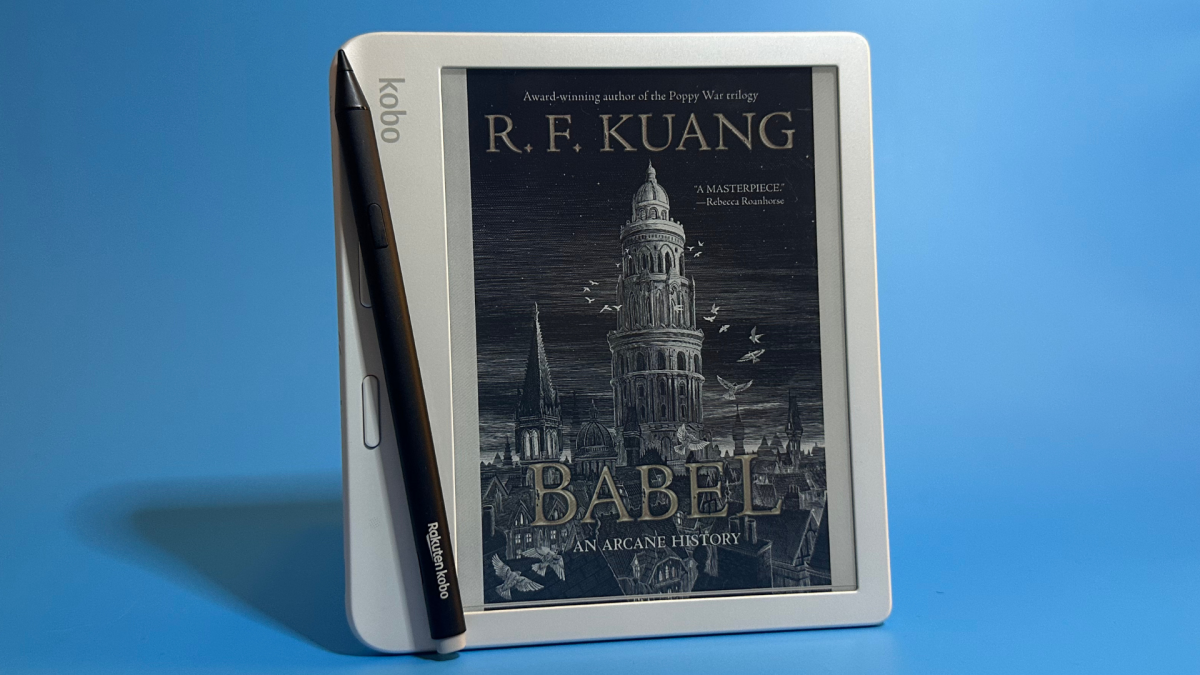
We've tried and loved both the Kobo Clara and Kobo Libra, and the devices are just as great as any Kindle. Kobo e-readers have features that Amazon abandoned in its Kindles, like page-turning buttons, plus seamless Libby integration. But if the decision to switch to a Kobo is driven out of worries that your current Kindle will eventually get bricked too, then a Kobo won't solve this problem.
Older tech being phased out is an unfortunate reality of our modern era. Unlike a Kitchenaid mixer, which doesn't require software updates to stay functional, a phone, computer, tablet, or e-reader always will. Unfortunately, with such frequent product releases, we're accustomed to a system of planned obsolescence. So, it feels revolutionary when Google announces a plan for automatic updates that makes Chromebooks last up to a decade.
And to be fair, it's impressive that Amazon devices that are at least 14 years old are still kicking it, which is a testament to the device's longevity. However, it's understandable if you want to switch to a Kobo. But our word of caution is to switch for the right reasons because it's highly probable Kobo e-readers will face the same bricked fate.
Why you shouldn't switch to a Kobo from a Kindle
If you want to switch to a Kobo from a Kindle because you think it won't be discontinued, I have bad news. Kobo also has a history of retiring devices and no longer supporting them with software updates. On the company's website, they have a list of products, including e-readers, that it no longer supports.
This is just the fate of any device requiring regular software updates.
Companies are also incentivized to do this because it means pushing users to buy a new device, even if it frustrates the customer. And let's clear up one misconception. While Kindles and Kobos are no longer supported with software updates, these past-gen devices can still run. (Our colleagues at PCMag have advice for holding onto older Kindles.) It may mean they can no longer access the internet; however, users should still have access to the library of books currently on the device, and they can add books by connecting it to a computer.
Something else to keep in mind with switching to a Kobo is that you won't be able to transfer over your library. Both Kindle and Kobo use DRM on books purchased in their respective stores, which means you can only read those files on that specific brand of e-reader. However, you can still revisit those books through the Kindle app. Some users even recommend buying a used Kindle if you do want to stick with the brand.
So, if you are making a pros and cons list, there are still plenty more reasons why you should switch to a Kobo.
Why you should switch to a Kobo from a Kindle

Kindle Scribe (left) and Kobo Libra Colour (right). Credit: Samantha Mangino / Mashable
There are plenty of reasons to shop for a Kobo. Across the board, Kobo e-readers are just as speedy and user-friendly as any Kindle. They have an accessible user interface, but there are some slight differences, like how Kobo numbers their pages based on digital pages while Kindle numbers are based on the physical book.
Unless your Kindle library is entirely full of DRM-free EPUB files, you won't be able to access any book you've purchased in the Kindle library on your new Kobo e-reader. But if you can get over that, then there's plenty to look forward to with a Kobo.
Page-turning buttons
Older Kindle models have a coveted feature that the newest models don't: page-turning buttons. With models like the Kindle 5 no longer being supported and the Kindle Oasis discontinued, users don't have no longer have a new Kindle option to shop that includes page-turning buttons.
This Tweet is currently unavailable. It might be loading or has been removed.
If you want those buttons, look to the Kobo Libra Colour, which has two page-turning buttons on the side so you don't need to tap the touch screen. Those buttons also mean there's extra space to hold the device, for a really comfortable hold. The Kobo Libra Colour also has something that no Kindle does, an internal gyroscope, which means you can rotate the device to hold it with the opposite hand and the screen will automatically rotate.
Mashable Deals
By signing up, you agree to receive recurring automated SMS marketing messages from Mashable Deals at the number provided. Msg and data rates may apply. Up to 2 messages/day. Reply STOP to opt out, HELP for help. Consent is not a condition of purchase. See our Privacy Policy and Terms of Use.
A native remote

With just two buttons, the Kobo remote lets you turn the page forward and backward. Credit: Samantha Mangino / Mashable
For readers maximizing their reading nook with an e-reader stand, a remote makes it easy to turn the pages while keeping your hands warm under the blanket. Kobo is the first e-reader brand to come out with a remote to pair with their e-readers.
We've tested the Kobo remote, and it rocks, connecting via Bluetooth, and it's far better than any random remote you can find on Amazon to go with a Kindle.
Libby integration
Libby users with a Kindle will rejoice at an even more straightforward integration on Kobo e-readers. On a Kobo, you can login to your library card directly on your device and books you borrow through Libby/Overdrive automatically populate onto your device. The downside is that if you have multiple library cards you use on Libby, you can only log into one at a time on a Kobo e-reader.
Color at a cheaper price
Kindle has its own color e-readers, but Kobos are much cheaper.
The basic Kindle Colorsoft costs $199.99 while the comparable Kobo Clara Colour is just $159.99, which happens to be the same price as the Kindle Paperwhite. So if you're looking to upgrade to a color e-reader anyway, it's far more affordable to do so with a Kobo.

 English
 Arabic
 French
 Spanish
 Portuguese
 Turkish
 Dutch
Dutch
 Italiano
 Russian
 Romaian
 Portuguese (Brazil)
 Greek
Greek