


Best CS2 crosshair codes 2026 - as used by 25 pro players
Best CS2 crosshair codes 2026 - as used by 25 pro players
What are the best CS2 crosshairs? Choosing the perfect crosshair to suit your playstyle is no easy task. If you pick a large crosshair, you could end up blocking potential targets from your sight line. Too small, and you might not be able to hit your targets from a distance.
You'll want to test each crosshair type to see what works best for you. Fortunately, Deathmatch has been revamped in Counter-Strike 2, so there will be no shortage of targets for you to gun down.
Here are the best Counter-Strike 2 crosshair codes used by the pros:
ZywOo crosshair code

If it wasn't for the global pandemic which drastically changed Counter Strike's esports scene, there's almost no doubt that Mathieu 'ZywOo' Herbaut would've been regarded as the best CSGO player of all time. Sadly, his breakthrough occurred just too late, only having one year in the spotlight before all the events switched to online only. ZywOo's small cyan crosshair changes regularly, but this seems to be his preferred option for now.
Mathieu 'ZywOo' Herbaut: CSGO-Xi4NX-WUD8O-kRLD7-JJrYj-s1EGnfO
S1mple crosshair code

Arguably the greatest CSGO player of all time, Oleksandr 's1mple' Kostyliev began his career as a diamond in the rough for a few years before finding Natus Vincere back in 2016. Since then, he's become one of the most accomplished players in the game's history, winning well over one million dollars in prize money throughout his career. He's using a white-colored dot crosshair in CS2 while playing on a 4:3 resolution, and with his penchant for a good rifle or AWP, this seems a great combination.
Oleksandr 's1mple' Kostyliev: CSGO-m58cB-AyBDC-AV6tp-Gwq2K-QGKeB
Sh1ro crosshair code

Dmitry 'sh1ro' Sokolov may be one of the youngest players on this list, and yet he's already established himself as one of the world's best AWPers. His unique, green crosshair is becoming his signature, and now you can use it, too.
Dmitry 'sh1ro' Sokolov: CSGO-acNiy-swKeq-NXbeQ-MwCnY-rCKeB
NiKo crosshair code

Nikola 'Niko' Kovac, one of the best riflers in Counter-Strike history, uses a small, simple white dot crosshair to great effect. Niko is best known for his incredible crosshair placement - he makes it look easy as he lands headshots with ease.
Nikola 'NiKo' Kovac: CSGO-ycoZv-SiFFn-qrwdv-whnhD-kj74E
FalleN crosshair code

Gabriel 'FalleN' Toledo has been a staple of the Counter-Strike esports scene since its inception. No matter what era of CS you've watched, Fallen has managed to make himself known throughout two decades of the sport, becoming the icon for Brazilian CS.
Gabriel 'FalleN' Toledo: CSGO-ssxCh-Y9LFi-B9amu-NWkZo-ObaAB
Other player codes
- Nicolai 'dev1ce' Reedtz: CSGO-wtG7o-YzmoS-Xxpua-jn2Xo-PsSyL
- Ilya 'm0NESY' Osipov: CSGO-wAD3c-ykt5L-zvZ98-vBisR-6sWPA
- Danil 'donk' Kryshkovets: CSGO-YaywQ-JMjpG-RA64A-HyG2r-QT43L
- Abdul 'degster' Gasanov: CSGO-s5Qbj-nvF89-cJjDd-mRdSG-5Yt4N
- Marcelo 'coldzera' David: CSGO-6uSkw-ZhrBc-aFhCd-ADpFY-YcOUD
- David 'frozen' Čerňanský: CSGO-rcPbC-ErwaW-QzwDT-6cnp7-6QBUM
- Emil 'Magisk' Reif: CSGO-kZ5mp-RbeyG-OB8wr-AHmcM-HzQRO
- Jacky 'Stewie2K' Yip: CSGO-PafJV-qvZwa-djTb2-5M8xa-8Bu8O
- Aleksi 'Aleksib' Virolainen: CSGO-SkoGm-N5yir-M8p3V-QyOxC-z2urD
- Håvard 'rain' Nygaard: CSGO-F4wiZ-mSAUQ-QHqmj-nq42i-uTaUN
- Finn 'karrigan' Andersen: CSGO-SZWXR-Fxnfk-nN4U8-EiZV8-uZ9GJ
- Helvijs 'broky' Saukants: CSGO-s5Qbj-nvF89-cJjDd-mRdSG-5Yt4N
- Vakhovskyi 'b1t' Valerii: CSGO-TpLLK-EJ5vT-aYEpF-VphTW-k8aYO
- Robert 'Patsi' Isyanov: CSGO-UKPUB-579ja-UFWP8-AnDHV-rrZQM
- Marco 'Snappi' Pfeiffer: CSGO-ywCWG-MtM4e-tbBNs-nGekd-JQGOP
- İsmailcan 'Xantares' Dörtkardeş: CSGO-xbpe2-E24RJ-YXNuO-pQvt8-ppNAK
- Sergey 'Ax1Le' Rykhtorov: CSGO-VUruu-vsXq5-kNiQC-4cVwq-pLDhP
- Mareks 'YEKINDAR' Gaļinskis: CSGO-ufZUO-V27Te-WQRmC-LhG9C-6AU8N
- Mario 'malbsMd' Samayoa: CSGO-dR7uJ-QhpKC-GDO3x-otSLm-PprBz
- Denis 'deko' Zhukov: CSGO-4hxiH-pXq77-5yzUX-uDEtm-Nij5P
Counter-Strike 2 crosshair community map
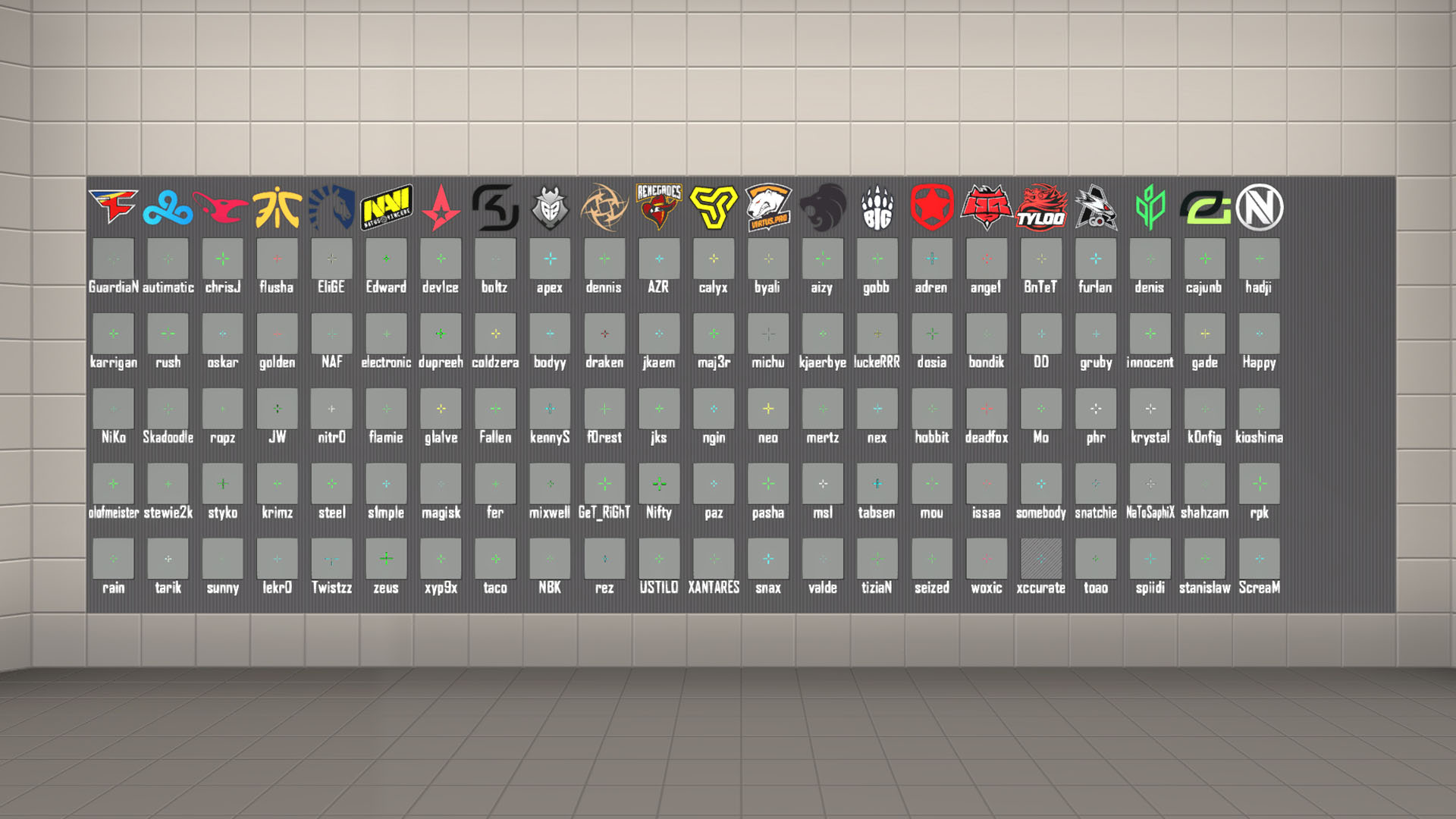
Community maps are back in Counter-Strike 2, which means the best way to import crosshairs has finally returned. Check out crashz' Crosshair Generator v3 to gain access to every popular crosshair from the best esports teams around the world. All you need to do is launch the map, head to the board with all the crosshairs, and shoot the one you want to equip the crosshair.
How to import Counter-Strike 2 crosshair codes
Here's what you need to do to import and export Counter-Strike 2 crosshair codes:
- Click the gear icon in the top-left corner of the screen to enter the settings menu.
- Underneath the 'Play' button at the top of the screen, press 'Game' and click 'Crosshair' to reveal all the crosshair options.
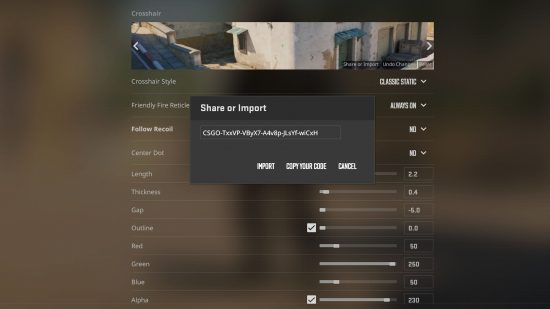
- In the Crosshair preview, click the 'Share or Import' button.
- Copy one of the crosshairs in this guide and press 'Import' and you should be ready to go.
Building the best crosshair in Counter-Strike 2
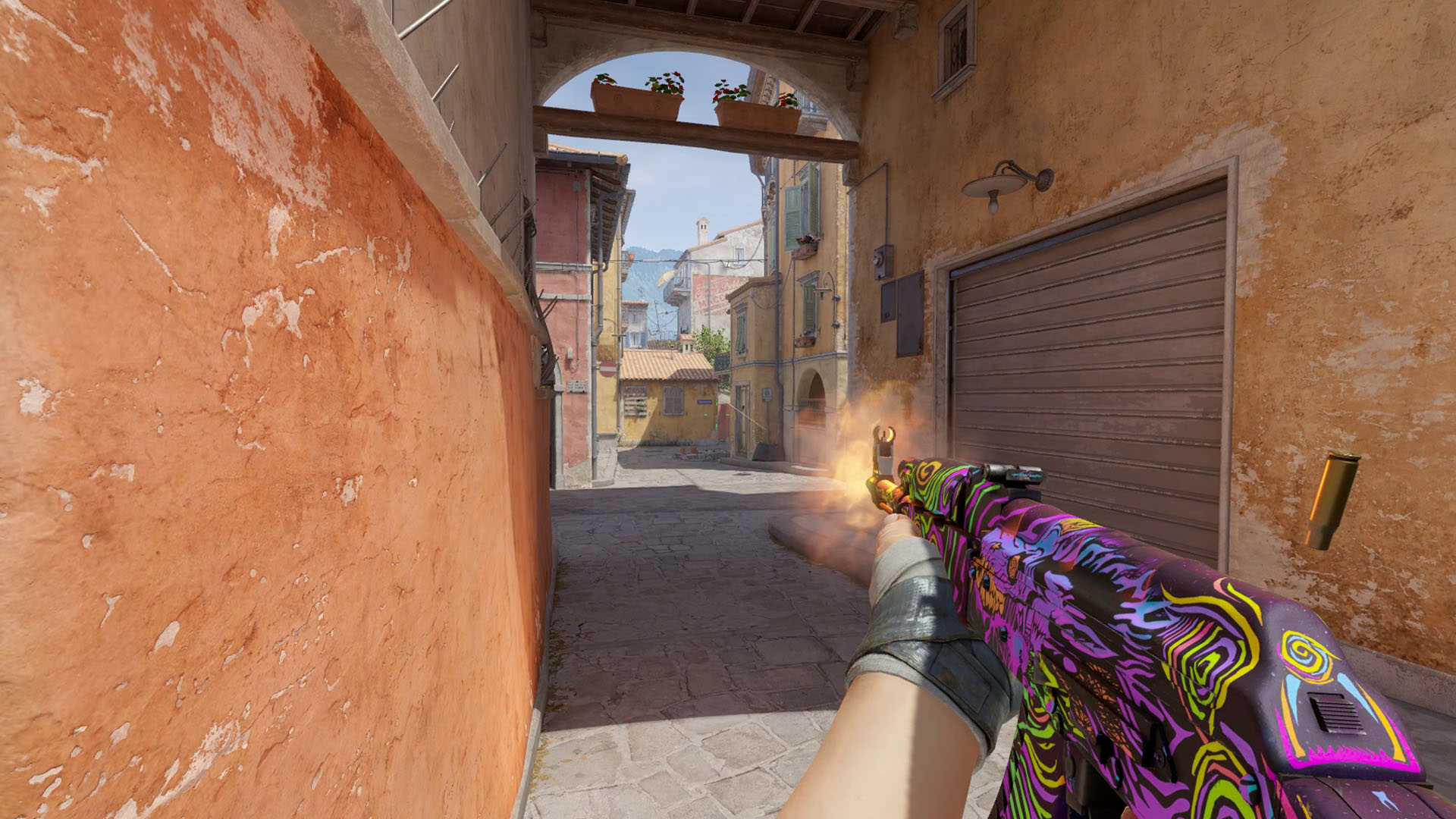
No matter what anyone tells you, there's no perfect crosshair; it all comes down to player preference. Before you copy any crosshairs, we highly recommend playing around with the in-game settings to see what suits you. Our main bit of advice is to pick a color that won't blend in with your surroundings. Avoid yellow in particular as you might find it difficult to aim while playing on desert-based maps like Dust 2, Mirage, and Anubis.
Most players tend to stick with the Classic Static crosshair style as it provides the most consistency, but it's worth checking out the Legacy option. Legacy adjusts the size of your crosshair as you fire your weapon - this is a great choice for beginners who haven't had the opportunity to learn how much of an impact recoil can have on your shots.
Try not to create a massive crosshair that takes up a lot of the screen; you need to be able to see all of your targets as clearly as possible. There's an option at the bottom of the menu called 'T Style' - enabling this removes the top line of your crosshair to make it easier to target heads. If your crosshair is on the larger side, we recommend enabling this to give you a better view.
The crosshair options also include a setting called 'follow recoil'. This automatically moves the crosshair as you're firing to show you where your shots are going to end up. Be warned that this option doesn't consider moving inaccuracy, so if you're running while shooting, the crosshair won't represent where your shots will land. We recommend trying out this setting just to see how spray patterns work, especially if you haven't had a chance to learn how each weapon works.
That's all you need to know about using the best crosshairs in Counter-Strike 2. CS2 seemingly prefers Nvidia GeForce CPUs, so it's important to consider optimizing your settings. Elsewhere on PCGamesN we also have a list of the CS2 maps to get acquainted with before you jump into competitive play. Finally, you can read our CS2 review to discover what we thought about the game when it launched almost two years ago.
And beyond your crosshair we have extra guides to the best CS2 binds and the best CS2 settings.

 English
 Arabic
 French
 Spanish
 Portuguese
 Deutsch
 Turkish
 Italiano
 Russian
 Romaian
 Portuguese (Brazil)
 Greek
Greek