


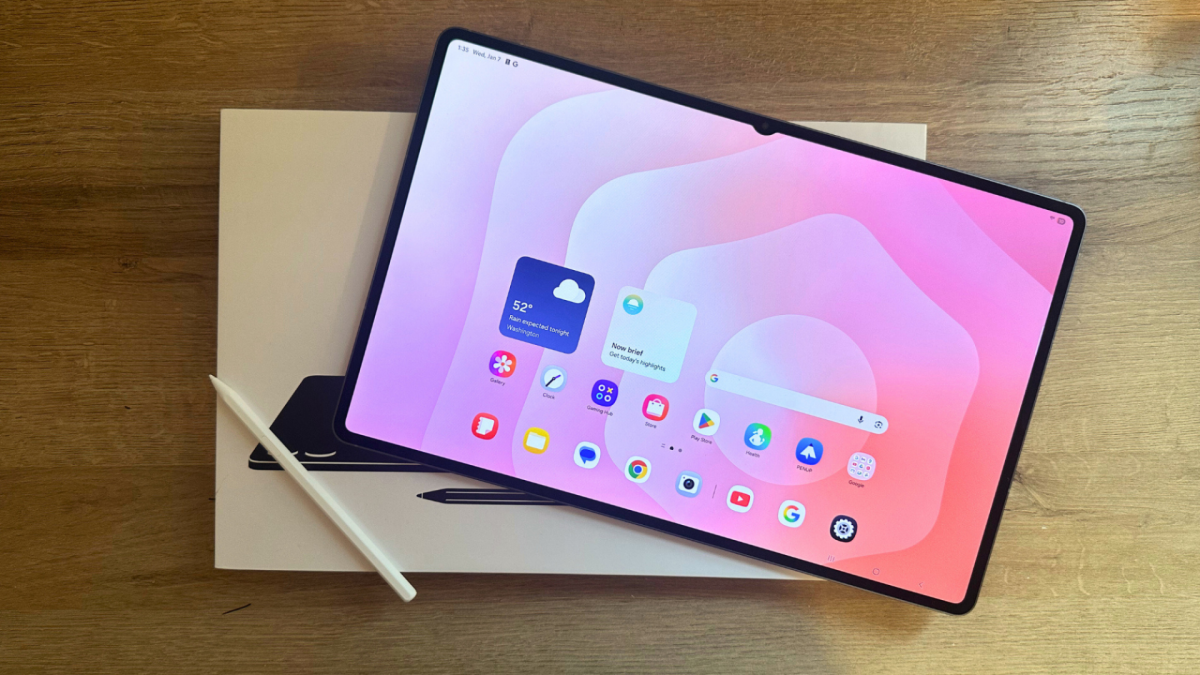
We'll walk you through the setup, whether you're a new Android user or just need a refresher.
By

Samantha Mangino
Shopping Reporter
Boston-based Shopping Reporter, Samantha Mangino, covers all things tech at Mashable, rounding up the best products and deals. She’s covered commerce for three years, spending extensive time testing and reviewing all things home, including couches, steam irons, and washing machines. She thoroughly vets products and internet trends, finding out if those cozy gamer chairs are really as comfortable as TikTok claims.
on

Let's get into it. Credit: Samantha Mangino / Mashable
I've been an Apple user for over a decade now and have been out of the Android game for a while. So when I jumped into testing Android devices, I was a bit intimidated working in an unfamiliar system. Now that I've spent plenty of time with Androids, I have some good news. Not only does everything look the same, but it pretty much works the same, too.
Having tested my way through all kinds of tablets, both iOS and Android models, the setup process is simple regardless of the operating system. So if you're switching from iOS to Android or just got a new tablet, here's how to set up an Android tablet.
Mashable Light Speed

As soon as you turn on the tablet, you'll be prompted through a setup screen. Credit: Samantha Mangino / Mashable
What You Need
- Android tablet
- Google account
- WiFi access
Step 1: Power on your tablet
This is the most straightforward step. When you get your tablet out of the box, turn it on.
Step 2: Follow the prompts
Any tablet I've used, both Android and Apple, has started out with the same prompts. The first will have you select your language, followed by how you'd like to set up the device. The options listed will be an Android device or an iPhone/iPad. You can select which device you use; however, you don't need to use either to set up the device if you're not looking to copy over any data.
Step 3: Connect to WiFi
At this point in the setup, you'll need to connect to WiFi. Enter the credentials for the network now. If you don't have WiFi access, you won't be able to complete the setup.
Step 4: Enter Google account information.
To use an Android tablet, you'll need a Google account. This is where Android and Apple devices differ. Apple devices require an Apple login, and Androids use Google. With your Google account, Gmail, Google Photos, and Drive will all be linked to your tablet.

Credit: Samantha Mangino / Mashable
Step 5: Download additional apps
Once you're logged into your Google account on the tablet, you're set to start using the device. To download your essential apps, go through the Google Play Store, which has access to all the essentials.

Boston-based Shopping Reporter, Samantha Mangino, covers all things tech at Mashable, rounding up the best products and deals. She’s covered commerce for three years, spending extensive time testing and reviewing all things home, including couches, steam irons, and washing machines. She thoroughly vets products and internet trends, finding out if those cozy gamer chairs are really as comfortable as TikTok claims.


 English
 Arabic
 Spanish
 Portuguese
 Deutsch
 Turkish
 Dutch
Dutch
 Italiano
 Russian
 Romaian
 Portuguese (Brazil)
 Greek
Greek