


NordPass review - Nord isn't only good at VPNs
NordPass review - Nord isn't only good at VPNs
Verdict

NordPass is an excellent password manager that offers security, privacy, and requires just a single password to unlock all of your accounts. Extra features in the paid version offer useful document storage and password auditing, but the free version is superb on its own.
Pros
- Easy to use, effortless improvement of password security
- One-tap password login popup button is a smart option
- NordPass mobile version also effective
- Versions for all mobile and desktop platforms, including Linux
Cons
- Imports from other password managers don’t always work as expected
- If you have multiple accounts for the same site, it can be confusing which one to use
Keeping your passwords strong and secure means relying on a password manager. After all, most of us don't have the recall powers to retain more than a handful of obscure passcodes - and I speak for myself there. In 2019, after making one of the best VPN services in NordVPN, Nord Security introduced a sister product, NordPass, and while it has never reached the same levels of fame as the VPN, it's a nifty tool that's been refined and enhanced a lot over the years.
At this stage, its features and price make it a very attractive option for anyone looking for a password manager (and, specifically, looking for an alternative to the ongoing disaster of LastPass). But is NordPass the right tool to store your passwords?
Specs
What is NordPass?
NordPass is a password manager that gives you just one password to remember while still giving you the same level of security that comes from having unique, complex passwords for every site. How it works is that you enter one NordPass password, and then it finds the correct password for the specific site you're on. This is super convenient, especially if you use the browser extension, which will find and input into login screens as and when you visit websites.
You probably rely on your browser to manage your passwords (or your smartphone's built-in tool if you use an iPhone or a Samsung). But browsers are not password managers. Storing your passwords in a browser is insecure and offers an easy way for intruders to collect credentials from you. Outdated browsers with unpatched vulnerabilities can leak passwords and other account details, and malicious ads and sites can also be used to collect your passwords, either by breaching the database or tricking you into entering them.

NordPass handles the passwords with more security than your browser can - thanks to the incredibly reliable XChaCha20 encryption - and will store unlimited passwords. This is further secured with biometric (finger/thumbprint, or facial recognition) login, and two-factor authentication if also required or preferred.
Features
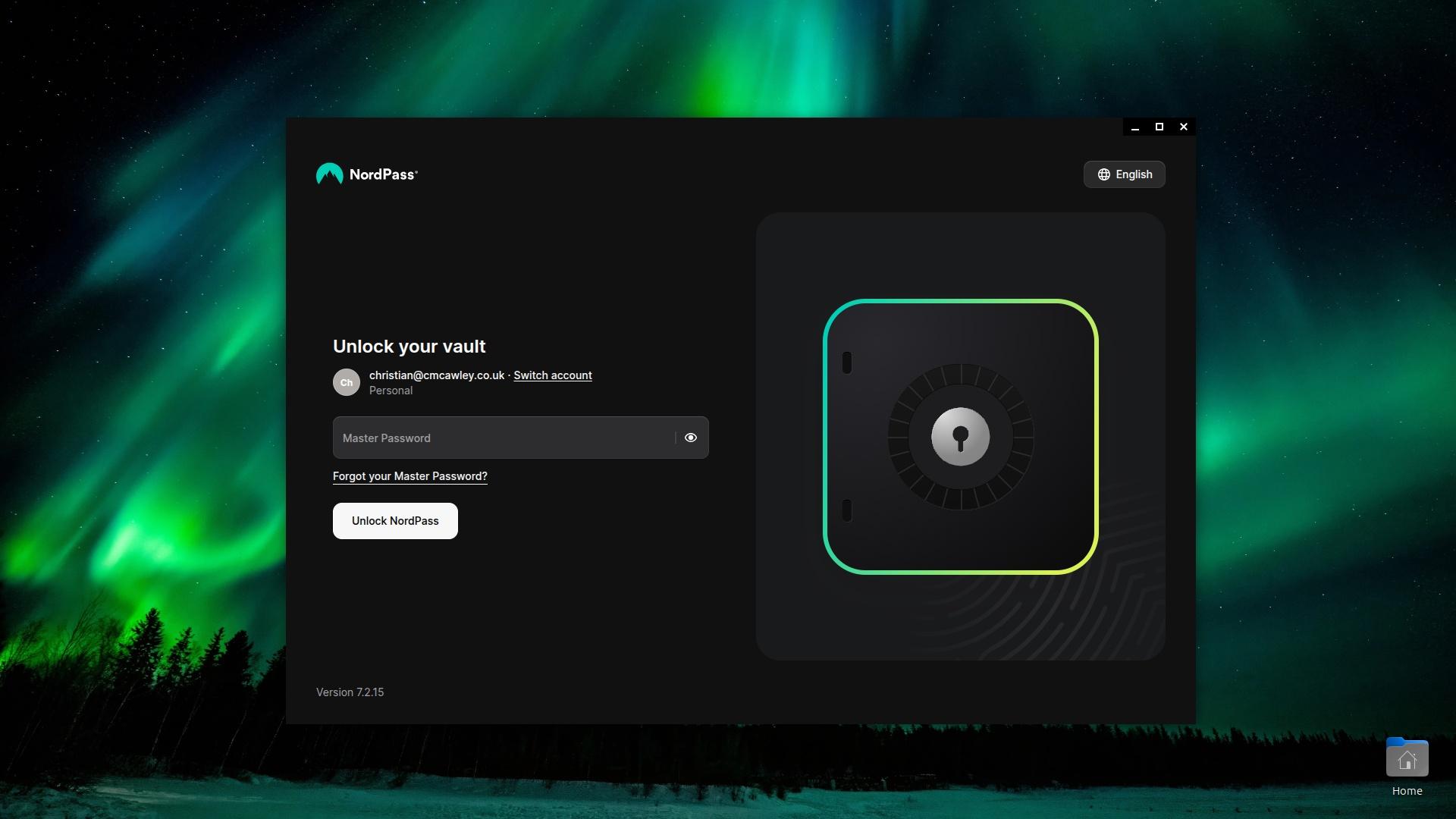
There is more to NordPass than password management, but let's look at that first. You can import existing passwords and account details, or start fresh after getting your account. Once you're ready, it requires a single "master" password to be set up. This is the one you have to remember (although a downloadable unlock key is provided for you to save elsewhere, just in case).
Passwords are saved with account details (username, for example) and the corresponding website. Logging in is simplified, and you can go about your business. Occasionally, NordPass will prompt for the master password, such as when you're using your computer after a reboot.

That alone justifies the cost of the subscription, but NordPass has some other features, too. For example, you can also use it to securely store other sensitive information, such as credit card details, secure notes, contact information, and documents (such as your passport, driving license, national ID, etc.) It also gives you a totally safe method of sharing this information whenever you need to (such as when applying for a job).
In addition, there is a password generator (as you'd imagine), an email masking tool that scans for data breaches involving your email address, and - my favorite - the password health tool, which highlights how many easy-to-crack and/or duplicate passwords you're using.
Usability
The notion of password managers can be intimidating. Solutions like LastPass have improved the concept of a single password to unlock all others, thanks to a slick user interface that makes everything simple. NordPass is designed with a pleasing UI with the same philosophy. It is so easy to use that you will wonder why you didn't start using one much sooner. All you need to do, once the account for each website is saved, is visit the site, click on the credentials, and you're in. That's it.

As I mentioned, NordPass has other features, and these may add a degree of complexity to proceedings, depending on how deep you want to get into breach detection and storing documents. But the basic purpose of a password manager is to, well, manage passwords, and I, for one, think that it does a fantastic job of this.
Alternatives
Ever since the massive LastPass data breach in 2022, I've avoided it entirely and have mostly used KeePass, an open-source password manager with various versions across Android and Linux (and beyond). The idea here is to keep my passwords independent of a tool that is overseen by a company seemingly less concerned about security than me, or one that decides to implement business practices that put my data and privacy at risk.
Luckily, Nord Security doesn't fall into that category, so I've felt pretty relaxed about moving my passwords across to NordPass. However, the process has not been without incident. Migrating my passwords from KeePass to NordPass meant editing the export file so that the fields matched (for example, KeePassXC, which I use on Ubuntu, records website addresses as "URL" whereas NordPass records "website"). There is no easy "field swap" or other relabeling tool as you might find on other apps that handle data imports. On the other hand, the import of password data from my browser (a small list that stores my Google credentials and not much else) was more successful.
Open source solutions like KeePass don't tend to be hugely attractive or intuitive. NordPass has a smart user interface, with every feature clearly labeled, and it's easy to find your way around. You don't need to spend ages looking for a password or feature; everything is where you need it to be. It'll be an appealing option for anybody who's new to all this.
Is NordPass a good password manager?
All a password manager needs to do is store your passwords securely, with encryption, then dispense them into the necessary website logon forms. Everything else is a bonus. Fortunately for NordPass, it manages the basics very well and delivers some nice extras.
Overall, NordPass seems more usable on a daily basis by virtue of simply intruding less. If I need to log in to a website, I simply click the pop-up - there is no need to click into the fields for username and password, as both are populated with that time-saving click.

I found a couple of usability quirks. If you have multiple accounts for the same service (e.g. you and your partner share a laptop for Facebook or Amazon, etc.) the NordPass tool doesn't display enough information to always discern between the account names. Also, if you're using a login with a 2FA or captcha component, you may need to disable the instant login feature (which essentially hits "Submit" for you) otherwise the login will fail.
You've also got the underlying presence of Nord Security underpinning it all. If you're a fan of NordVPN, you may find some comfort in that reassurance.
Pricing
NordPass operates a freemium model for personal use. The main version is free, and includes autosave and autofill, secure storage, and access for a single user on a single device. It's not bad at all for a free service.
The premium option costs $1.29 / £0.99 a month with a 2-year deal (paid upfront), and adds access across multiple devices, password health monitor, data breach scanner, file attachments, and email masking.
Finally, NordPass offers a family option, at $2.79 / £2.09 a month over 24 months (again, paid upfront). This is the same as premium, but adds support for up to six user accounts. So, that makes it ideal as a password management solution for your entire family.
Both paid NordPass options have a 30-day money-back guarantee, so there's plenty of time to try it out before you're locked in. If you're unhappy before the 30 days are over, you can get a full refund - though be warned that you might have to jump through a few hoops to get it.
Compared to NordVPN, it's a fair bit cheaper - though admittedly, it does do less (even if both are important for cybersecurity). It is also cheaper than LastPass, and combined with the fact that it doesn't have a scandalous data breach in its history, it's a much more appealing option in lots of ways.
Final verdict
As someone who has been through the mill with password managers since moving from LastPass (I held on until its 2022 disaster, for which it has just been fined by the UK's Information Commissioner's Office), NordPass is a breath of fresh air. While I have found the open source KeePass-based solution useful, the polished presentation of NordPass moves password management into a different tier.
I strongly recommend the free version of NordPass. You're getting features there that most competing tools charge for, and if you're prepared to pay, the additional features in NordPass - Password Health and Data Breach Scanner in particular - are worth the outlay.
As if that isn't enough, NordPass is from the same people as NordVPN, and the two of them often come bundled together. If you wanted to invest in cybersecurity, that gives an avenue through which to cover two bases at once.

 English
 French
 Spanish
 Portuguese
 Deutsch
 Turkish
 Dutch
Dutch
 Italiano
 Russian
 Romaian
 Portuguese (Brazil)
 Greek
Greek