


Valve has finally delivered my most-wanted Steam Deck feature three years late, and here's how it works
Valve has finally delivered my most-wanted Steam Deck feature three years late, and here's how it works
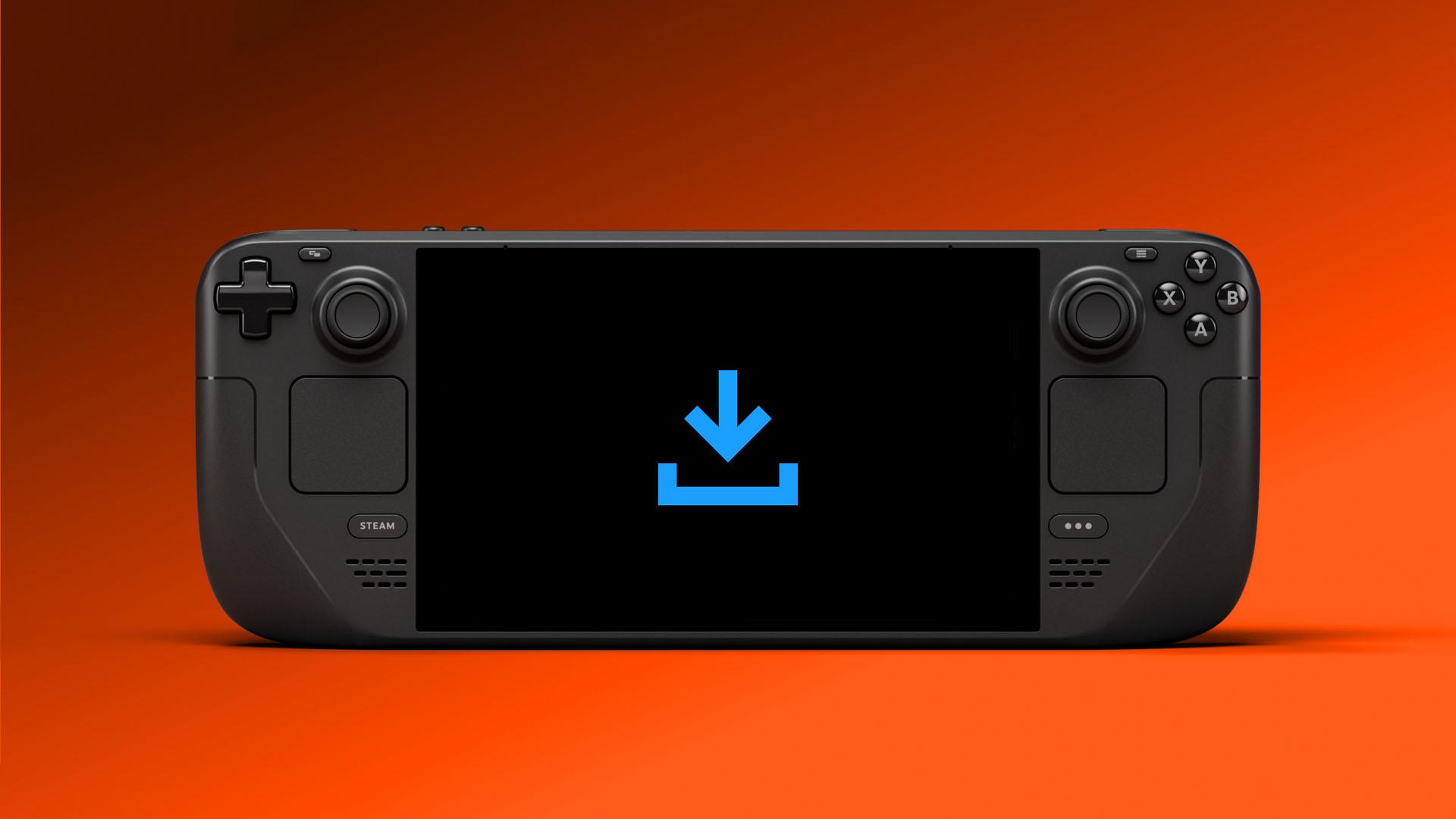
It has only taken three years, but Valve has finally added one of the most-requested features for the Steam Deck: display-off downloads. No longer will you have to wait for downloads to complete with the screen glaring away; instead, you can set the device to a low-power state that just takes care of downloads while your Deck is otherwise idle.
This change is just one more step in making the Steam Deck a true console-like machine. It's already the best gaming handheld thanks to just how well its Linux-based SteamOS operating system works, but display-off downloads helps set it further apart from many of its Windows-based rivals. Not only is this just a slick, convenient system, but it should help with battery life, as you'll no longer need to have the device up and running while downloading a game.
To enable the new Steam Deck display-off download feature, all you need to do is download the latest release of SteamOS, which is currently only available via the Beta and Preview channels, but should hit general release soon. Once your device is updated, the feature is built in and ready to go.
To then engage display-off downloads, just press the power button while you're downloading to bring up a dialog box that will ask whether you'd like to continue downloading with the screen off. If you select Continue, the Steam Deck will drop into the new low-power download mode. Your device will also automatically enter this mode if left idle while downloading.
The system works if the handheld is plugged in or on battery, but is only enabled by default when plugged in. You'll have to go to the device's power settings to enable the feature on battery power.
When using display-off download with battery power, the Steam Deck will pause downloading and go into standby if the device hits 20% battery.

If you press a button or move the Steam Deck in display-off download mode, a new status screen will appear showing your download's progress. From here, you can fully wake your Steam Deck or let it continue downloading with the screen off.
Valve hasn't made it clear what happens after a download has finished, but we'd expect it to drop into full standby mode.
Now all Valve needs to do is get EA anti-cheat and Xbox Game Pass working on Steam Deck and there will be no turning back. I don't hold out much hope for those two arriving imminently, though.
As well as this software update, you can find more ways to get the most from your Steam Deck in our best Steam Deck accessories and best gaming headset guides. They're packed with gear recommendations for kit we've actually tested, such as the excellent Jsaux Steam Deck case.

 Arabic
 French
 Spanish
 Portuguese
 Deutsch
 Turkish
 Dutch
Dutch
 Italiano
 Russian
 Romaian
 Portuguese (Brazil)
 Greek
Greek