


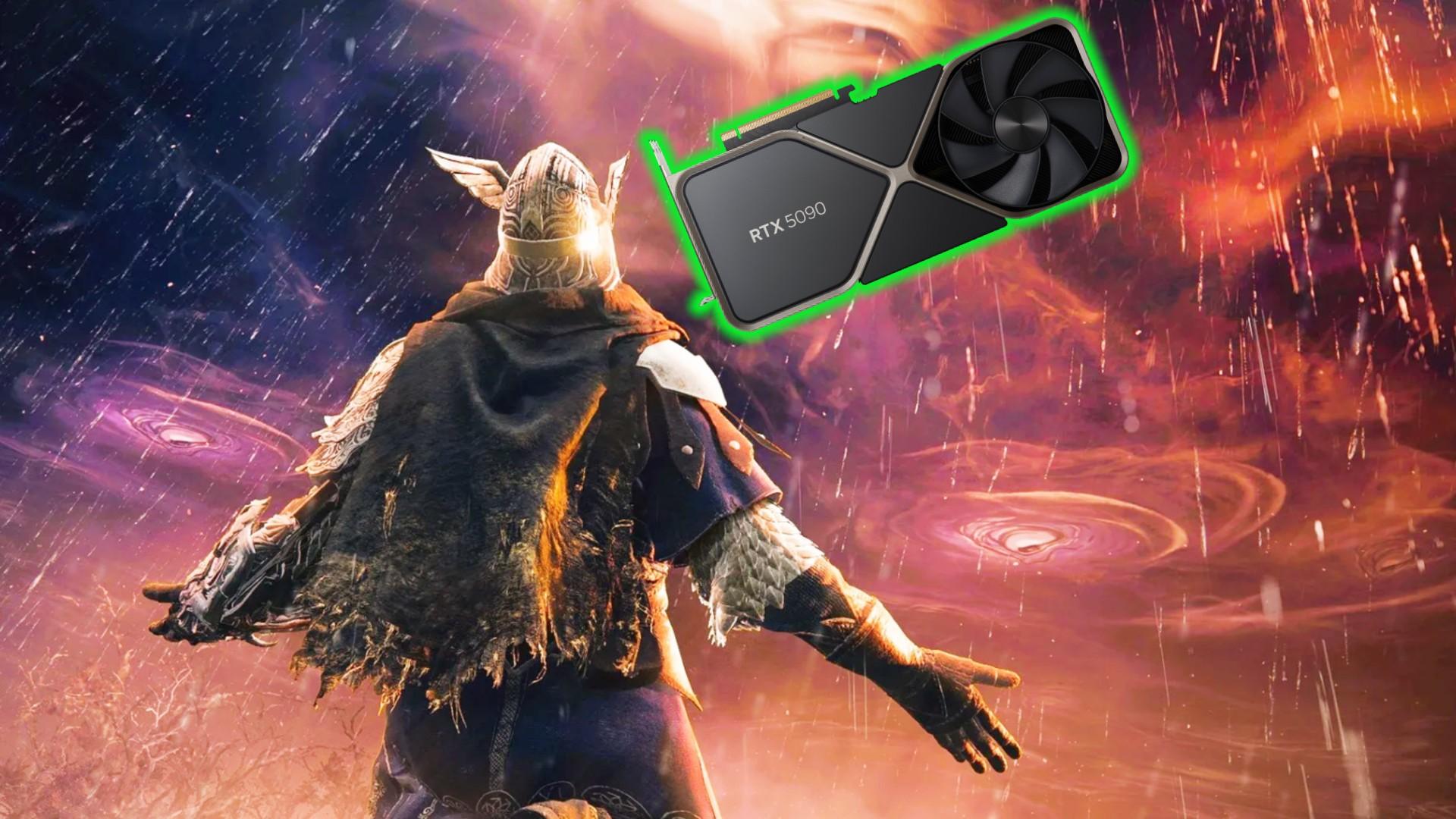

Elden Ring Nightreign is finally out, but owners of the latest GPUs might be running into frame rate issues, and the suggested fix isn't ideal. Bandai Namco posted the patch notes for version 1.01 of Nightreign and claims these frame rate issues are only impacting those using the "latest graphics cards", but fails to specify exactly which ones.
If you've splashed the cash on one of the best graphics cards that money can buy, perhaps an RTX 5090, you may assume you're immune to such frame rate issues, rather than the only one impacted by them. However, in Elden Ring Nightreign, anyone sporting one of the latest graphics cards could be encountering the issue, and there's no solid fix for it, yet.
In our testing to determine the best Elden Ring Nightreign settings, we rarely encountered any frame rate instability using our Nvidia GeForce RTX 4090 testing rig. However, in the first set of patch notes, it appears that anyone using what Bandai Namco calls the "latest graphics cards" could be having issues, which feels like a nod to the RTX 5000 series and maybe even the RX 9070 XT, even if not explicitly stated.
In terms of a fix, it's suggested that you simply lower the graphical settings until the frame rate levels out or lower your screen resolution, which aren't exactly the most helpful solutions.
It's also recommended that you update your graphics card drivers, a suggestion that will be more than familiar to RTX 5000 owners, who have been suffering with driver-related issues since the cards first hit store shelves.
A secondary issue was flagged in these patch notes, specifically noting that Elden Ring Nightreign may not boot up at all when you first install it. In the event that this happens to you, it is suggested that you verify the game files in Steam.
To do this, right-click Elden Ring Nightreign in your library, select "Properties", then "Installed files", and finally, "Verify integrity of game files." Allow this process to run, and if there is an issue, you may notice Steam trigger the download of some additional game files. Your game should then run without issue.
For more Elden Ring Nightreign content, you can check out our Elden Ring Nightreign classes or Elden Ring Nightreign skins guides for a breakdown of everything you need to know before you start the game. Likewise, if you're unsure about relics, check out our Elden Ring Nightreign relics explainer for a rundown of this key feature.
You can follow us on Google News for daily PC games news, reviews, and guides. We've also got a vibrant community Discord server, where you can chat about this story with members of the team and fellow readers.

 English
 Arabic
 French
 Spanish
 Portuguese
 Deutsch
 Turkish
 Dutch
Dutch
 Russian
 Romaian
 Portuguese (Brazil)
 Greek
Greek