


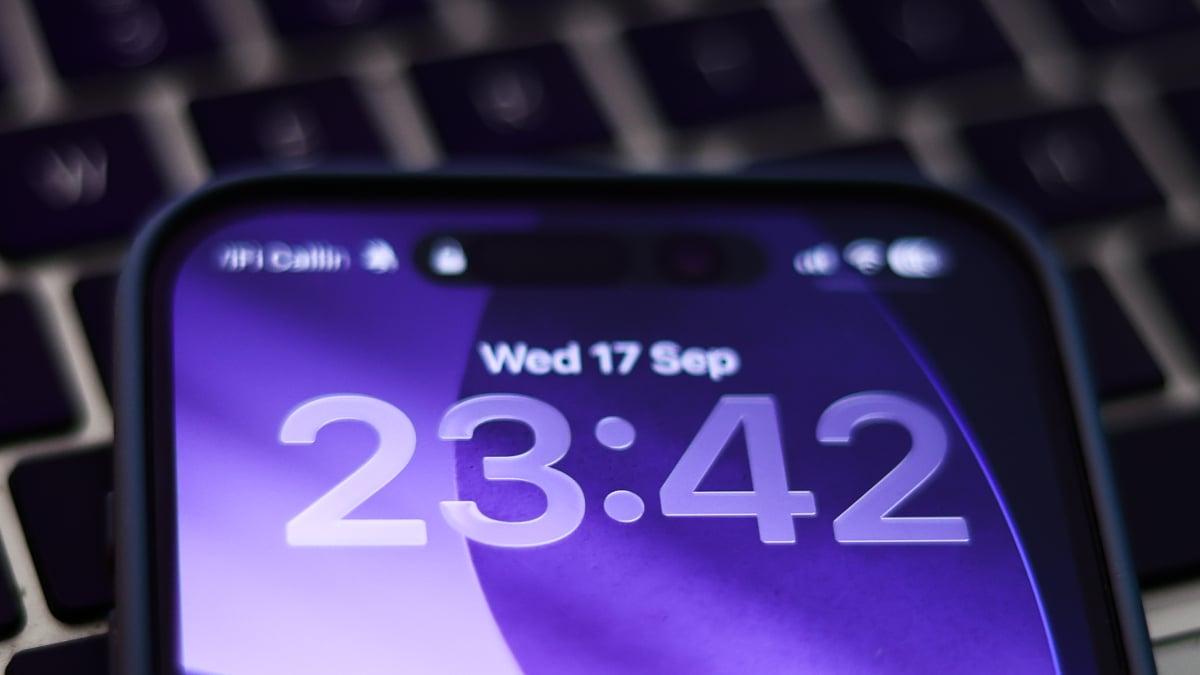
Apple’s iOS 26 update is a big one — not just because it’s new, but because “Liquid Glass” marks the company’s biggest UI overhaul since the iPhone X.
But the so-called “biggest iOS update in years” hasn’t exactly wowed people. Performance hiccups and a jarring reshuffle of the interface have left many users underwhelmed. Even here at Mashable, reactions are split: some enjoy the new look, while others find it pretty “meh.”
If you’ve upgraded and hate how it looks, here’s the bad news: you can’t roll back to iOS 18. That makes sense, sure — but what if you like iOS 26 overall and just can’t stand Liquid Glass? Also bad news: you can’t turn it off.
Mashable Light Speed
What you can do, though, is dive into your iPhone’s accessibility settings to tone down the transparent, glossy effect and make it less in-your-face.
How to change Liquid Glass in iOS 26
To cut down the transparency, head to Settings > Accessibility > Display & Text Size and toggle on Reduce Transparency. This makes elements like folders easier to see when you open them.
You can also tweak the look of your home screen. Just press and hold an empty space until the icons start to jiggle, then tap Edit in the top left corner. From there, select Customize and switch the screen to tinted. You’ll be able to adjust the colors of icons and folders to better match your style. Simple as that.

 English
 Arabic
 French
 Portuguese
 Deutsch
 Turkish
 Dutch
Dutch
 Italiano
 Russian
 Romaian
 Portuguese (Brazil)
 Greek
Greek