


Ay Moments/Getty Images
Many modern day ovens come equipped with a wide range of helpful cooking features, but it's possible you just stick to the "Bake" setting. However, you may have noticed the delay start button and ignored it alongside other options like self-clean or broiling (which actually results in amazing pizza!). This feature might sound unnecessary, but at its most basic level, delay start allows you to program your oven to turn on at a later time instead of immediately. You get to choose when the cooking should begin, and the oven handles the rest. Depending on the brand of stove you have, what it's called and how it works may vary.
What does this feature look like in practice? For example, if it's 5 p.m., and a dish needs an hour in the oven, and you want it ready by 7 p.m., you can program the oven to start at 6 p.m. You can put the dish in the oven, and it will stay off until 6 p.m., then automatically preheat and begin cooking. It will turn off after an hour, unless you select a button like "cook and hold," which means after the cooking is complete, the oven will hold the food at a lower temperature to keep it warm.
How to set up delay start on your oven
Solstock/Getty Images
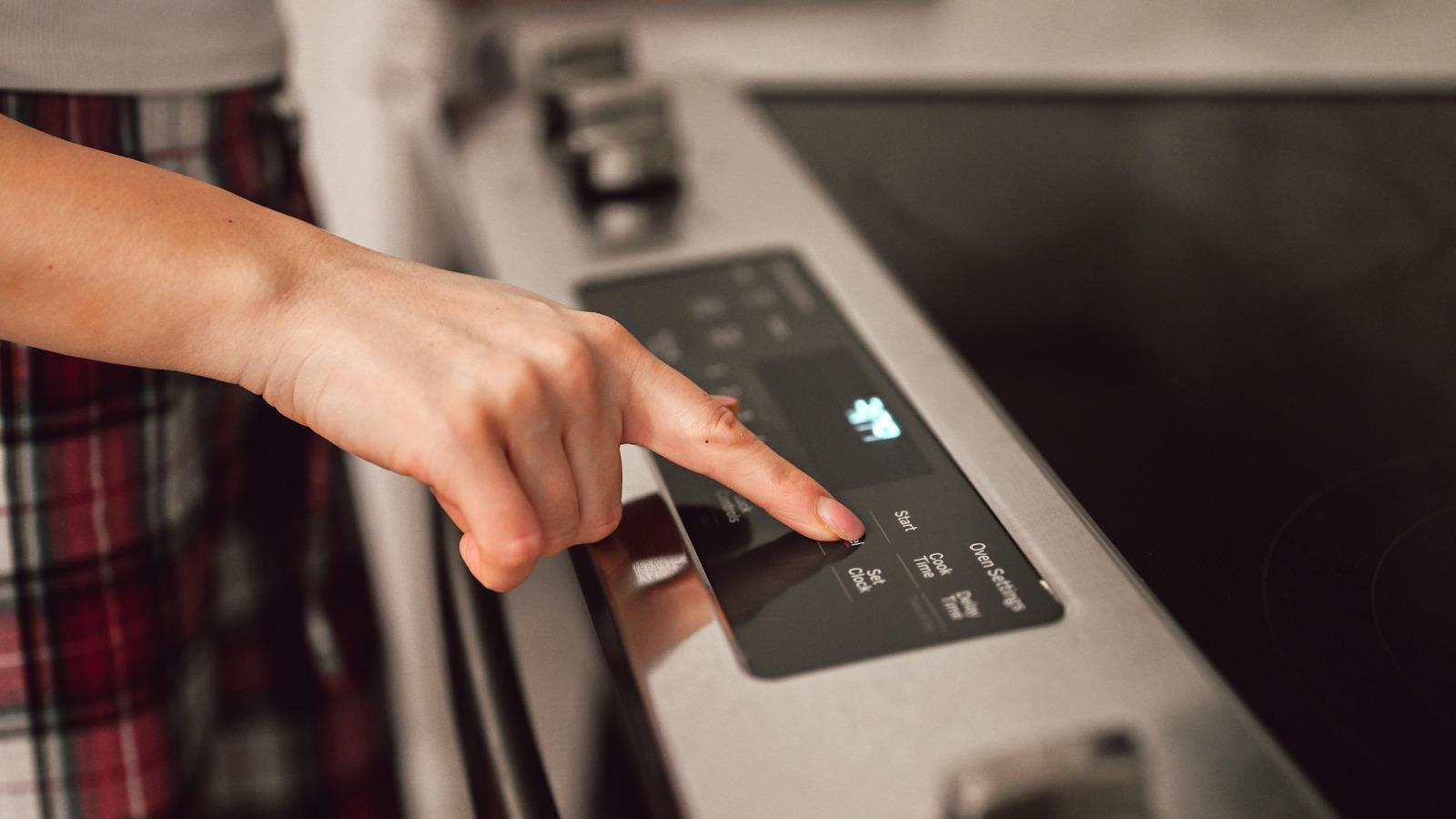
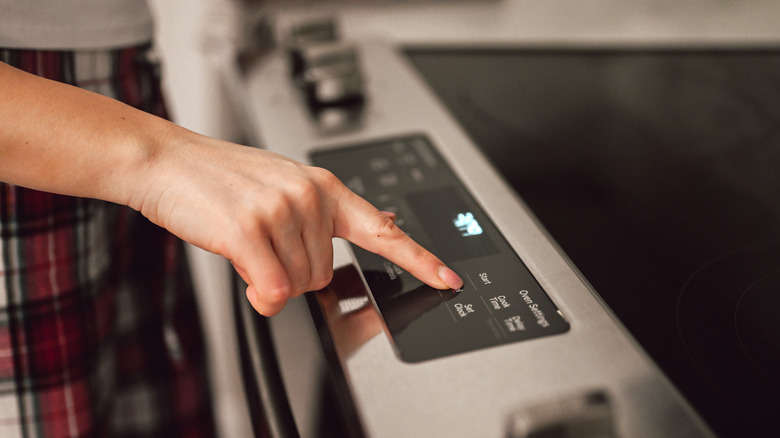
Delay start is one of the most common names for this feature, but you may need to look for a button on your oven labeled "delay", or "ready at time". After pressing the button, you'll enter the time you want the oven to turn on. Important note: This is not the cook time, but the hour the oven should turn on — and this is why it's also necessary to make sure your oven clock is correct. Next, your oven will likely prompt you with beeping or a flashing red light to select "bake" and set the temperature you'd like.
The final step is crucial: You also need to choose the cook time. Ideally, your oven will once again guide you to this button with beeping or a flashing red light around the button, which will be labeled something like "cook and hold" or "cook time." Older ovens may require a few manual steps to set it up, while newer models might include helpful digital displays.
Ideas for using the delay start feature on your oven
Evrymmnt/Getty Images
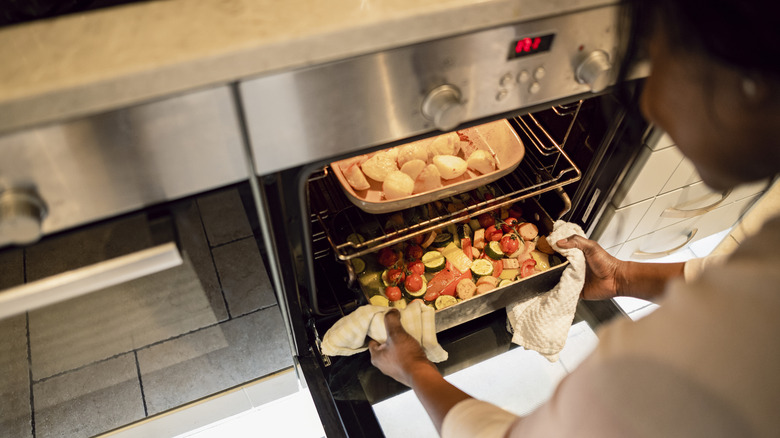
Once you understand how delay start works, it's a lot easier to see how this makes cooking and meal prep more streamlined. This feature can be incredibly helpful on busy days. Say you've prepped an oven-baked meals for the family earlier in the day or have a frozen meal in the fridge. You come home in the evening and want to get a workout in, shower, and change before you eat. Delay start could be used to perfectly time your meal to be warm and ready when your evening routine is complete. Some people use the delay start while they're out of the house running errands so they can return to a hot meal.
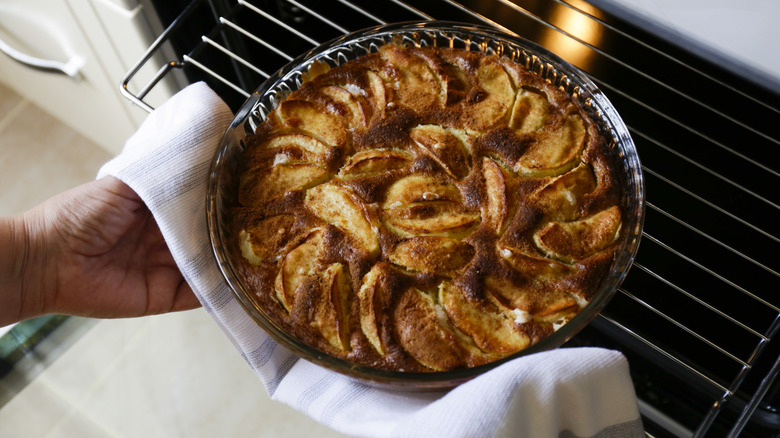
It's also a helpful tool in the morning for prepping a baked breakfast. Dishes like baked oatmeal, breakfast casseroles, bread, or pastries can be made the night before, and then delay start can be scheduled for a bit before you wake up. Once you're out of bed, the oven will already be pre-heated (which can take as long as 15 to 20 minutes) and ready to use right away.
For hosting dinner parties or holiday gatherings, delay start ensures multicourse meals are cooked, warm, and ready when needed. You can stagger cooking times so multiple dishes don't compete for oven space, or time it so something finishes right when guests arrive. When you're eating dinner and focused on your guests, it's easy to forget to put dessert in the oven. Right before dinner is served, delay start can be set up for a pie or a batch of cookies, ensuring that this doesn't slip your mind while serving the main course.

 Arabic
 French
 Spanish
 Portuguese
 Deutsch
 Turkish
 Dutch
Dutch
 Italiano
 Russian
 Romaian
 Portuguese (Brazil)
 Greek
Greek