


Nvidia's ludicrous 6x dynamic frame generation arrives March 31, and yes, you should be excited
Nvidia's ludicrous 6x dynamic frame generation arrives March 31, and yes, you should be excited
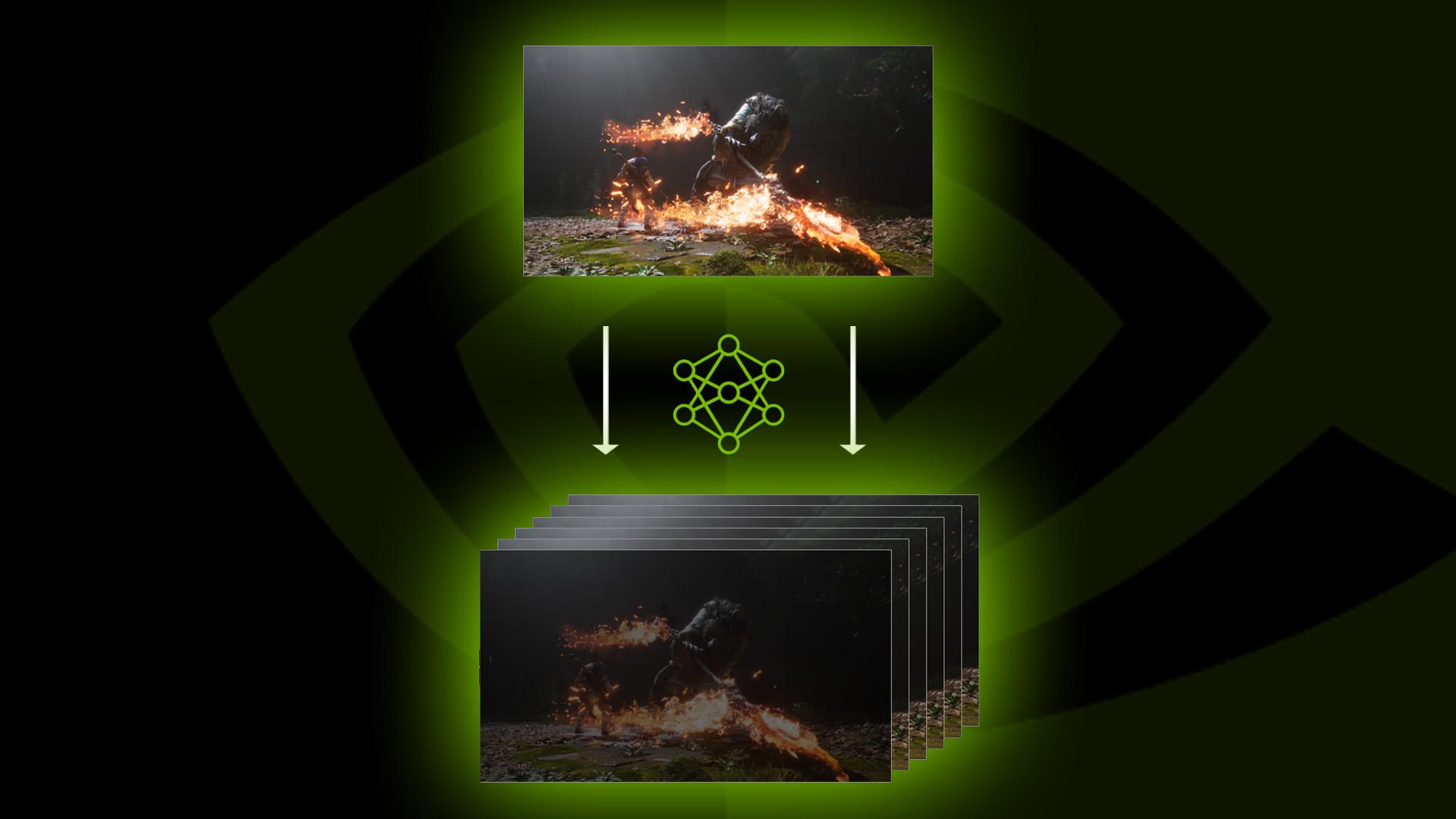
Nvidia DLSS 4.5 Dynamic Multi Frame Generation finally has a release date, with Nvidia today announcing that the new feature will be available from March 31. As well as unlocking the ability to generate five extra frames for each conventionally rendered frame - for up to 6x frame gen - this latest version of frame gen unlocks the ability to have your system only use frame generation when it needs to.
This dynamic frame gen mode finally feels like what frame generation should always have offered. Pick a target frame rate, and it will only use as much frame generation as the system needs to hit that frame rate, rather than needlessly, constantly generating extra AI frames. As with previous versions of Nvidia DLSS Multi Frame Generation, the new mode is only available on RTX 4000 series cards or newer, but that still leaves most of the best graphics cards currently available open to using the feature.
Why this new mode matters so much is that frame generation has always been plagued by the fact that many of us don't like how it feels. It can add latency to your inputs, actually reduce your base frame rate (the rate at which your PC is generating the 'real' frames used to generate the AI frames), and once enabled, it just brute-forces generates those extra AI frames.

So, for instance, you might have a 240Hz monitor and your system is able to run a game at around 120fps most of the time, but has dips down to 60fps. With multi frame generation set to, say, 4x, you could ensure your PC hits 240fps when its base frame rate drops to 60fps, but then your PC would also spend most of its time needlessly quadrupling your 120fps base frame rate up to 480fps. And, all the while, you might find you can notice the slight input latency that multi frame gen can introduce.
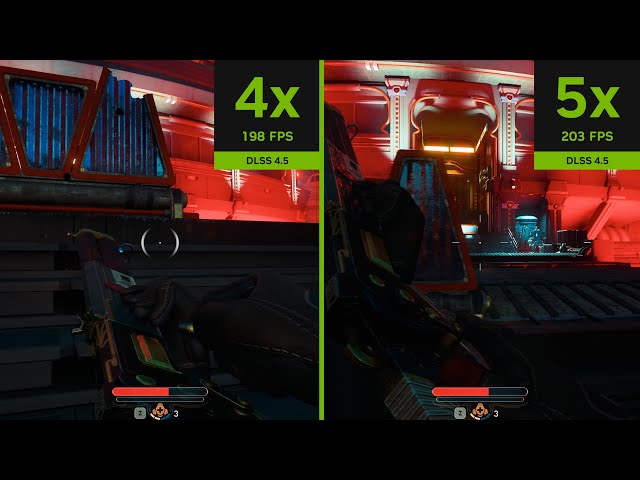
With dynamic frame gen, you could set the frame rate limit to 240Hz and ensure that when the game pushes up to 120fps or beyond, it's only generating at most one extra frame. This reduces the needless extra work and the input latency, as the latency inherently increases the more extra frames you're generating.
Moreover, if the same example game isn't a super competitive one that requires a really fast frame rate, you could set the frame rate target to 120fps and be able to play with no frame generation most of the time, only having it kick in occasionally to smooth out drops in frame rate.

To enable Dynamic Multi Frame Generation when it arrives, you can use the Nvidia App. Just head to the DLSS Override section, opt for a Custom preset, and select the new mode from the Frame Generation drop down.
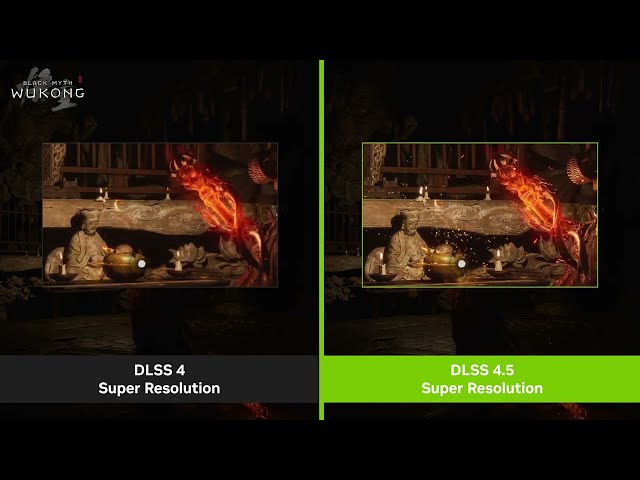
You can also use this method to enable the second big feature of DLSS 4.5, which is its new upscaling model. As with previous tweaks to DLSS upscaling, this looks to further improve image quality, using a new second-generation transformer AI model. Like with the first-gen DLSS transformer model, it offsets this improved image quality with slightly lower performance than previous DLSS upscaling models, but the results are generally worth it. You can see the improved image quality in the video above.

 English
 French
 Spanish
 Portuguese
 Deutsch
 Turkish
 Dutch
Dutch
 Italiano
 Russian
 Romaian
 Portuguese (Brazil)
 Greek
Greek