


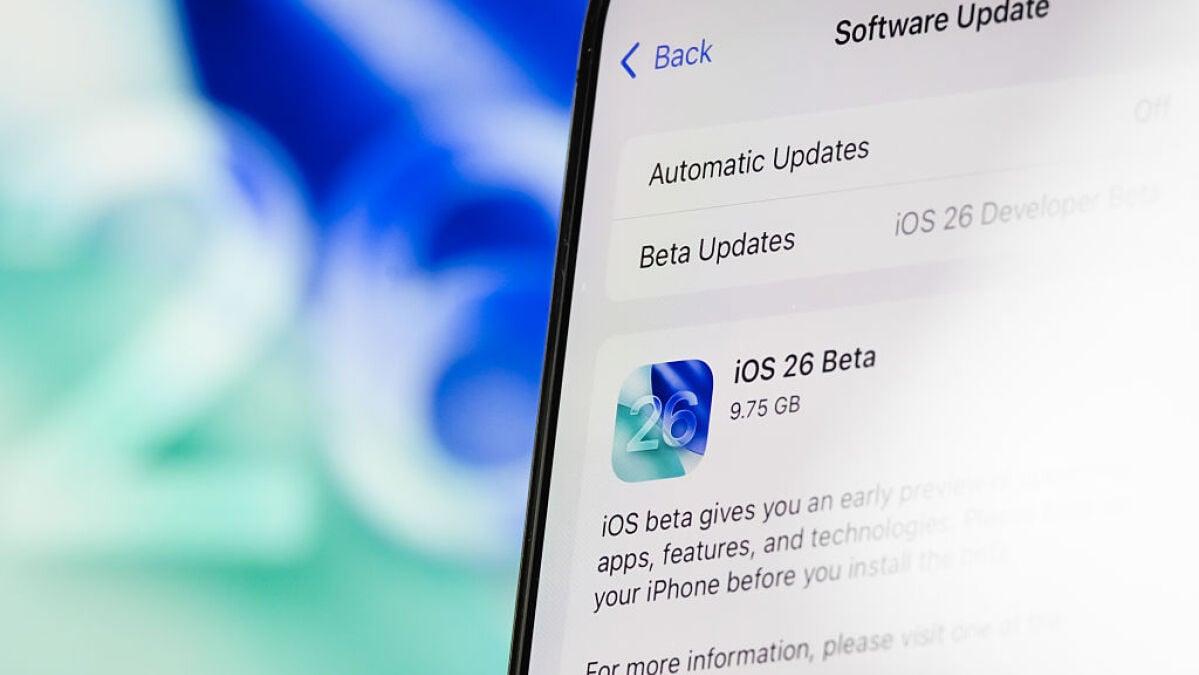
Apple's next public iOS beta is here.
That would be the public beta for iOS 26.3, to be more specific. It launched this week, shortly after the launch of iOS 26.2 to the public, and with the expectation that the full release of the update will happen in early 2026. The new beta brings with it a few small (but still noteworthy) new features, and you can try them out for yourself. Here's how.
How to download the iOS 26.3 public beta
Apple makes its public betas available for anyone with an iPhone to test out. All you have to do is sign up for the beta program. Here's a step-by-step guide on how to get the iOS 26.3 public beta on your iPhone:
Mashable Light Speed
Go to Apple's beta website
Sign up for the beta program with your Apple ID
Log in and click "Enroll your iOS device"
On your iPhone, open Settings, then go to General, then Software Update
Select the iOS Public Beta and install it
iOS 26.3 public beta new features
Once you've done that, you can start looking at the new stuff Apple added to iOS 26.3. Be warned, though, that there aren't any game-changing everyday adjustments here for most Apple users. There is, however, one notable update for Apple users who prefer non-Apple smartwatches or fitness trackers.
For starters, Apple has slightly rearranged the Wallpapers page, putting Weather and Astronomy into their own distinct sections instead of bundling them together. There are also a few new Weather wallpapers to choose from, but otherwise, everything else is the same.
On top of that, you can also choose to have your notifications forwarded to a third-party wearable device instead of an Apple Watch. This should make life easier for folks who prefer other wearables but still want to get every notification that their iPhone gets without looking at the phone. The only problem is that this is only available to users in the European Union at the moment, and there's no telling when (or even if) U.S.-based iPhone owners will get this feature. As we reported earlier today, Apple was forced to make this change by the EU's Digital Markets Act (DMA).
Lastly and most significantly, Apple and Google worked together to make switching from an iPhone to an Android device (or vice versa) easier than it used to be. You'll be able to place your iPhone next to a new Android device and wirelessly transfer messages, notes, photos, apps, and even your phone number between devices. This sounds easier than the old way of doing things, which largely involved downloading an app on either side of the equation.

 Arabic
 French
 Spanish
 Portuguese
 Deutsch
 Turkish
 Dutch
Dutch
 Italiano
 Russian
 Romaian
 Portuguese (Brazil)
 Greek
Greek