


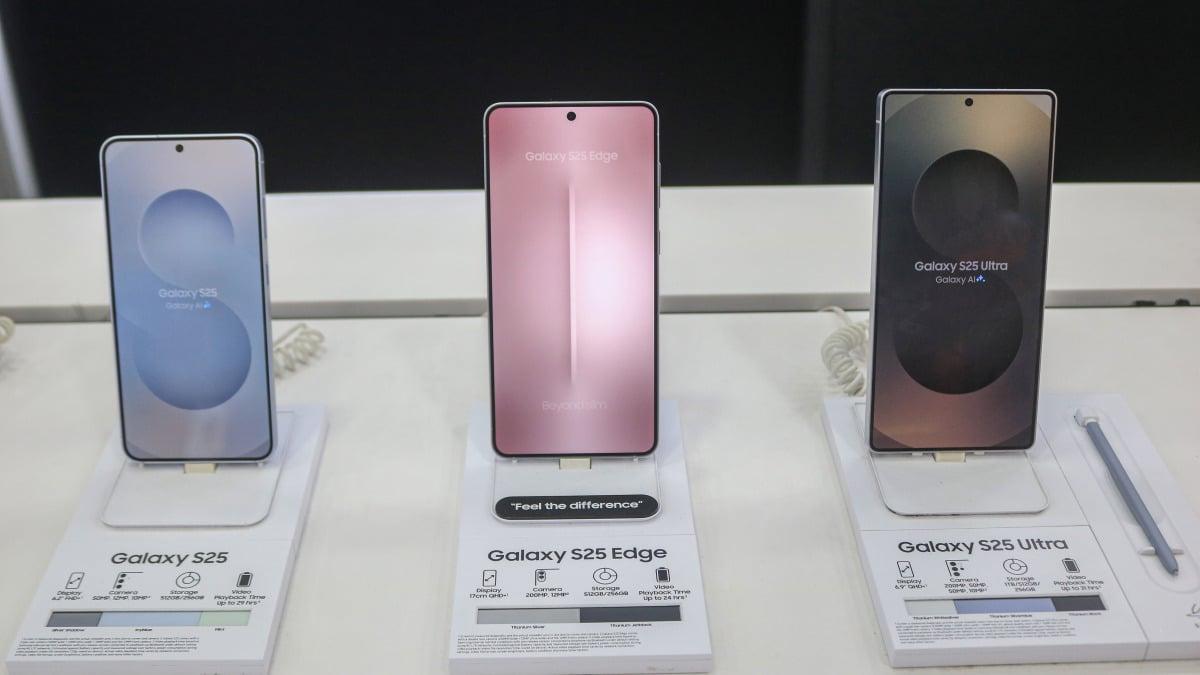
Samsung’s One UI 8.5 public beta program is finally rolling out, several outlets have confirmed, giving Galaxy S25 users their first real taste of the new features and upgrades headed for a wider release.
Recommended deals for you
Apple iPad Air M3 Chip 128GB Wi-Fi 6E 11" Tablet (2025 Release) — $499.00 (List Price $599.00)
Dell 14 Premium Intel Ultra 7 512GB SSD 16GB RAM 2K Laptop — $999.99 (List Price $1549.99)
Sony WH-1000XM5 Wireless Noise Canceling Headphones — $278.00 (List Price $399.99)
Samsung Galaxy Tab A9+ 64GB Wi-Fi 11" Tablet — $149.99 (List Price $219.99)
Apple Watch Series 11 (GPS, 46mm, M/L Black Sport Band) — $329.00 (List Price $429.00)
Products available for purchase through affiliate links. If you buy something through links on our site, Mashable may earn an affiliate commission.
Those additions include a visual refresh, expanded customization options, new AI-powered tools, and deeper cross-device connectivity. As reported, the public beta is currently available only to Galaxy S25 series users in South Korea, the U.S., the UK, Germany, India, and Poland.
This Tweet is currently unavailable. It might be loading or has been removed.
So what’s actually new in the public beta? Expect updated Galaxy AI features — including enhanced image-generation tools — along with improved cross-device integration, such as storage sharing between Samsung devices and faster Smart View access. Auracast also receives a boost, with easier listening and broadcasting controls available through a new Audio Broadcast menu in Settings.
Mashable Light Speed
Battery and performance also see meaningful improvements, thanks to redesigned power management tools. For personalization lovers, One UI 8.5 introduces more freedom across the Quick panel, lock screen, widgets, and icons. Privacy and security are also enhanced with new anti-theft protections.
How to download One UI 8.5 public data
Getting in on the action is straightforward: simply enroll in the beta program through the Samsung Members app. Make sure the app is installed, log in, and look for the “One UI Beta Program” banner or card on the homepage. Tap to enroll, and you’re in.
After that, head to Settings > Software update > Download and install to pull the beta build and start exploring One UI 8.5 for yourself.

 English
 Arabic
 French
 Spanish
 Portuguese
 Deutsch
 Turkish
 Italiano
 Russian
 Romaian
 Portuguese (Brazil)
 Greek
Greek